
Trial preparation
Build exhibit lists, tag evidence by issue or witness and pull everything for a hearing in one view.
EvidenceDesk is cloud-based law firm management software for case management, evidence and document management, billing, clients and calendar, in one secure workspace.
Cloud-based · Works in any browser · Guided onboarding for your firm
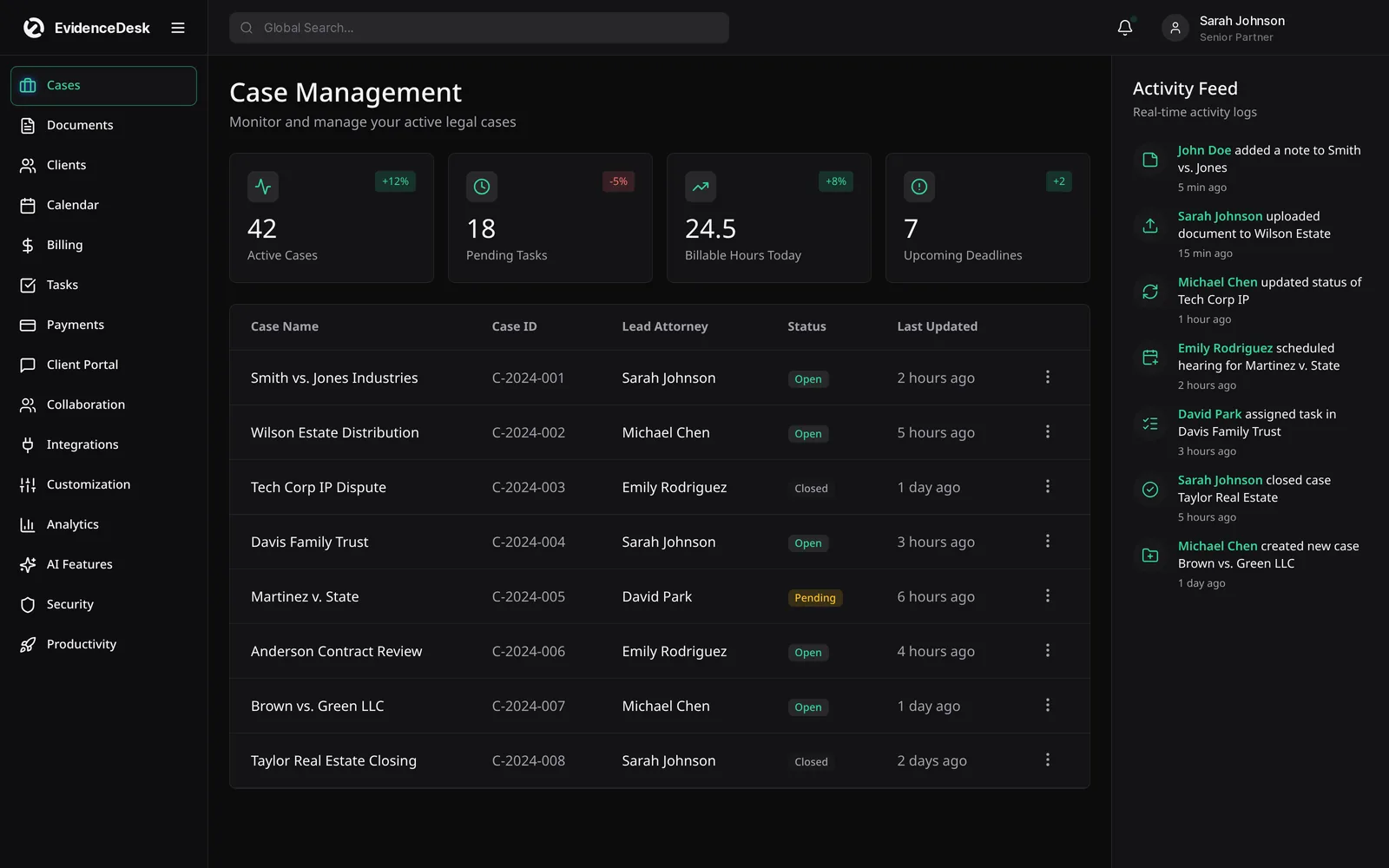
Unify your cases, evidence, and billing in one platform, so every matter becomes organized, defensible, and billable

Store, tag and search exhibits, documents and media with a logged chain of custody.

Track time, send invoices and keep trust account activity clearly separated.

Hearings, filings and reminders on a shared calendar so no deadline slips.

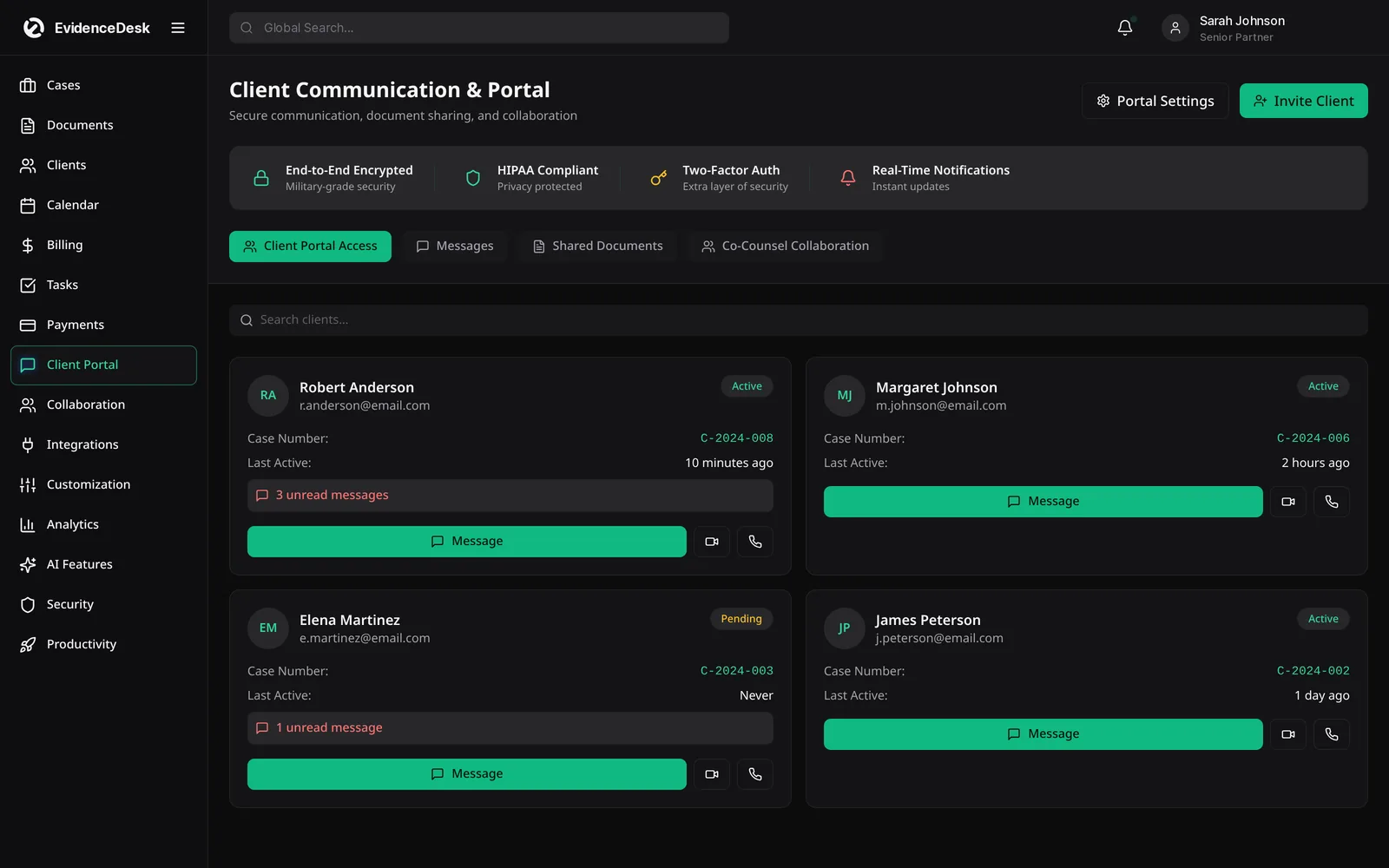
Share updates and documents with clients securely, without email chains.
Capture new client details and conflict info in structured intake forms.
Organize productions and exhibits so the right file is a search away.
Track filings, hearings and statutes with reminders for the whole team.
Record trust deposits and disbursements separately from operating funds.
Turn tracked time and expenses into clear, accurate invoices.
Keep messages and shared documents with each client in one secure place.
Built for every practice area
Legal practice management software replaces scattered spreadsheets, folders and inboxes with one connected system.
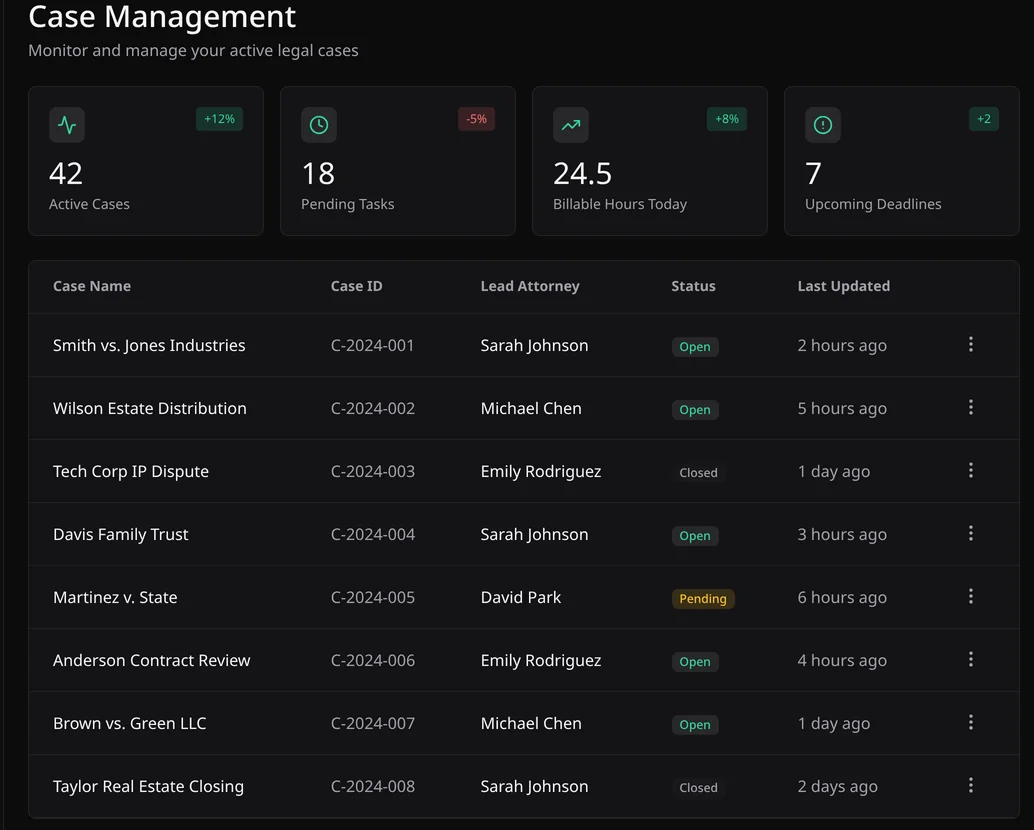
Open a matter, see its stage, deadlines and tasks, and keep the whole team on one record.
Tag exhibits, search files and keep a chain-of-custody log for every piece of evidence.
Run timers on any matter and turn unbilled time into invoices. Trust balances stay separate.
Hearings, filings and consults on one firm calendar with automatic reminders.
Move leads from web form to signed client, then share files and messages securely.
Get a guided walkthrough of cases, evidence, billing and calendar.
Every exhibit carries its source, tags and a chain-of-custody log, so you can show exactly how it was handled.
Matter templates, task checklists and reminders make recurring work consistent from solo practice to multi-office firm.
A secure portal for messages, documents and invoices replaces email attachments and phone tag.
From the first inquiry to the final invoice.
Build exhibit lists, tag evidence by issue or witness and pull everything for a hearing in one view.
Track medical records, providers, liens and settlement stages for each claim.
Restrict access by role and keep financial disclosures and custody documents organized.
Collect client documents through the portal and calendar every filing deadline.
Log discovery as it arrives and record who viewed or shared each file.
Capture time as you work, invoice on schedule and keep IOLTA funds separate.
Client confidentiality guides how EvidenceDesk handles access, sharing and records. Controls are set per matter and per role, and every action on evidence is logged.
How evidence is protectedEvidenceDesk runs in your browser. Create your firm, bring in contacts and matters, and your team can start tracking cases, evidence and time the same day.
Add attorneys and staff, choose roles and set billing rates.
Bring existing contacts, cases and documents into matter workspaces.
Log evidence, track tasks and deadlines, record time and message clients.
Turn tracked time into invoices and manage trust balances.
From $39 per user per month, billed annually. Firms with 5+ users can ask for volume pricing.
For independent attorneys getting organized.
For small and mid-sized firms working as a team.
For litigation teams that need depth and control.
Prices per user per month in USD. Firms with 5+ users: contact us for volume pricing.
Legal practice management software is a single system that helps law firms run their practice: managing cases and matters, documents and evidence, time tracking and billing, clients and intake, and calendars and deadlines.
EvidenceDesk is built for solo attorneys, small and mid-sized law firms, and legal teams that want case management, document and evidence management, billing and client tools in one cloud-based platform.
Yes. EvidenceDesk is cloud-based legal practice management software that runs in a web browser, so there is no server to install or maintain.
EvidenceDesk puts evidence and document handling at the center of every matter, with exhibit tagging and an access log, alongside the case management, billing and calendaring tools firms expect.
EvidenceDesk has three per-user plans: Solo at $39/user/month billed annually ($49 monthly), Firm at $69 ($85 monthly) and Litigation Pro at $99 ($119 monthly). Firms with 5+ users can ask for volume pricing, and you can book a guided demo first.
Centralize matters, documents, time and billing in one system, standardize recurring work with templates, automate deadline reminders and give clients a self-service portal. Practice management software supports each of these steps.
See how EvidenceDesk brings cases, evidence, billing, clients and calendar together. Your Evidence. Organized. Airtight.
Cloud-based · Works in any browser · Plans from $39/user/mo