Smokeball alternative: compare EvidenceDesk
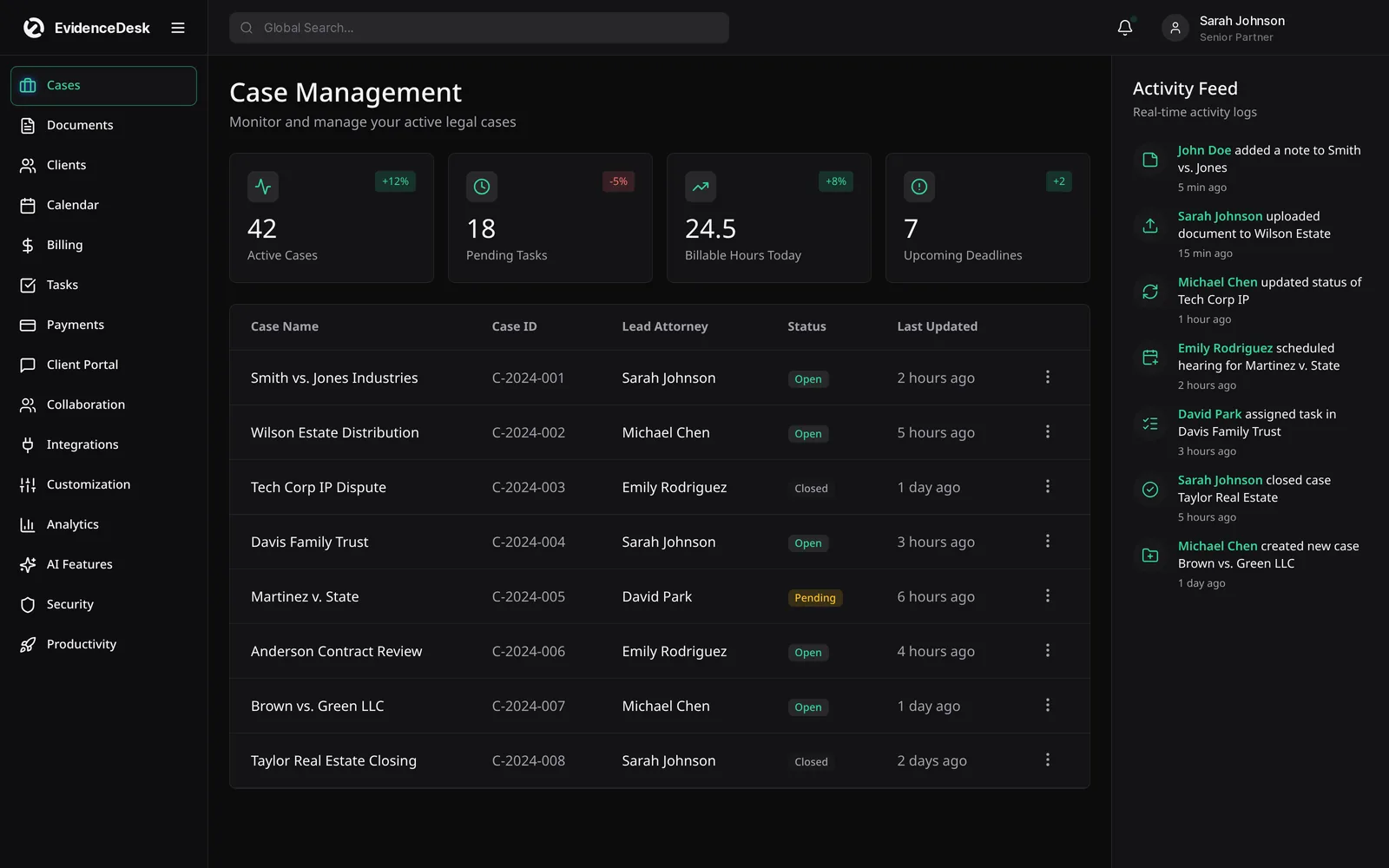
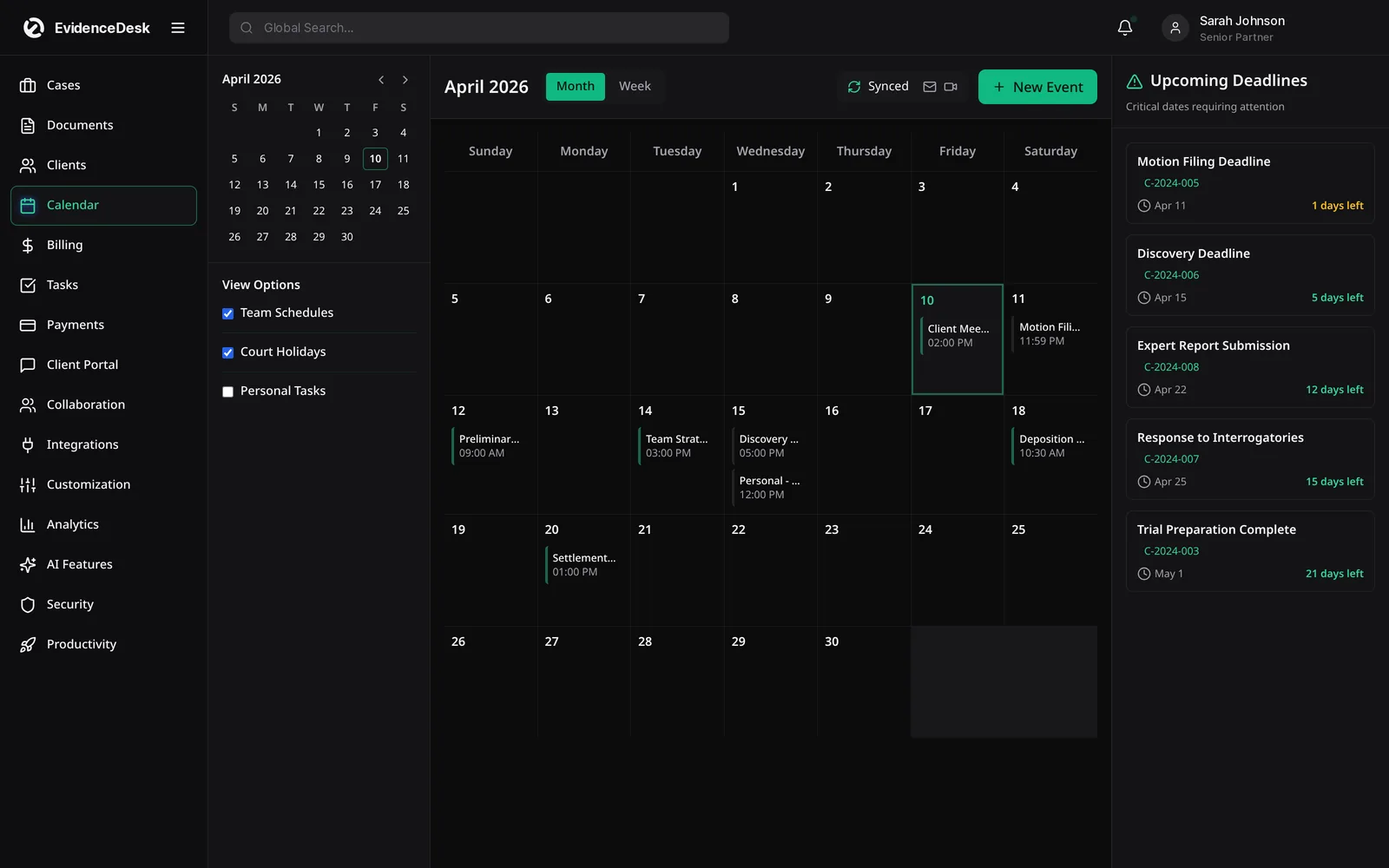
Smokeball is legal practice management software aimed largely at small law firms. EvidenceDesk is a cloud-based alternative that adds evidence management with access history to each matter, alongside case management, documents, billing, trust accounting and calendar.

What is Smokeball?
Smokeball is legal practice management software that offers case management, document management, time recording and billing, and is commonly evaluated by small firms. See the official Smokeball website for current features and pricing.
What to compare
| Area | Questions to ask | EvidenceDesk approach |
|---|---|---|
| Access | Desktop app, browser or both? | Browser-based, no installation |
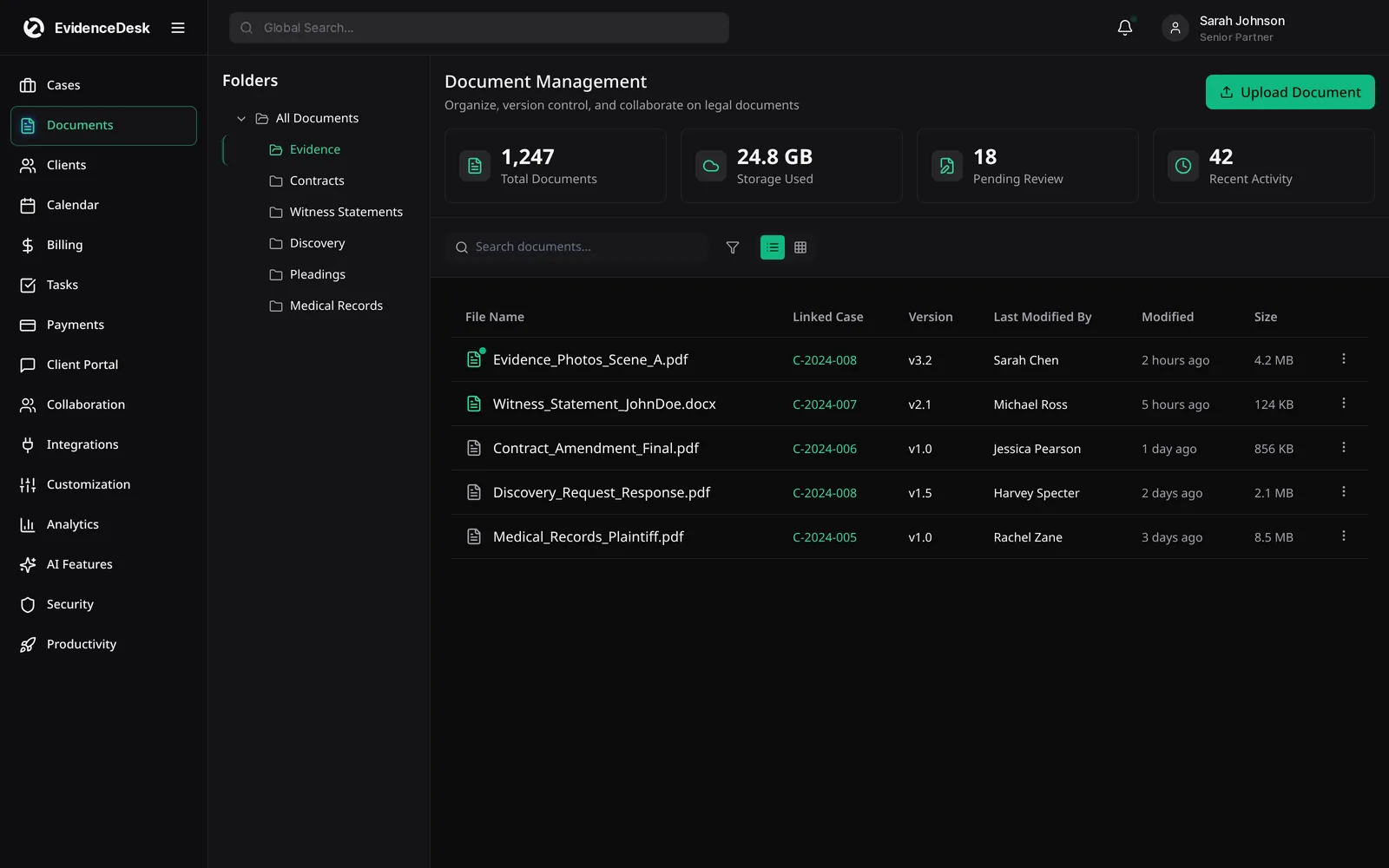
| Documents | Matter folders, versions, search? | Included |
| Evidence | Exhibit tags and access log? | Evidence vault in every matter |
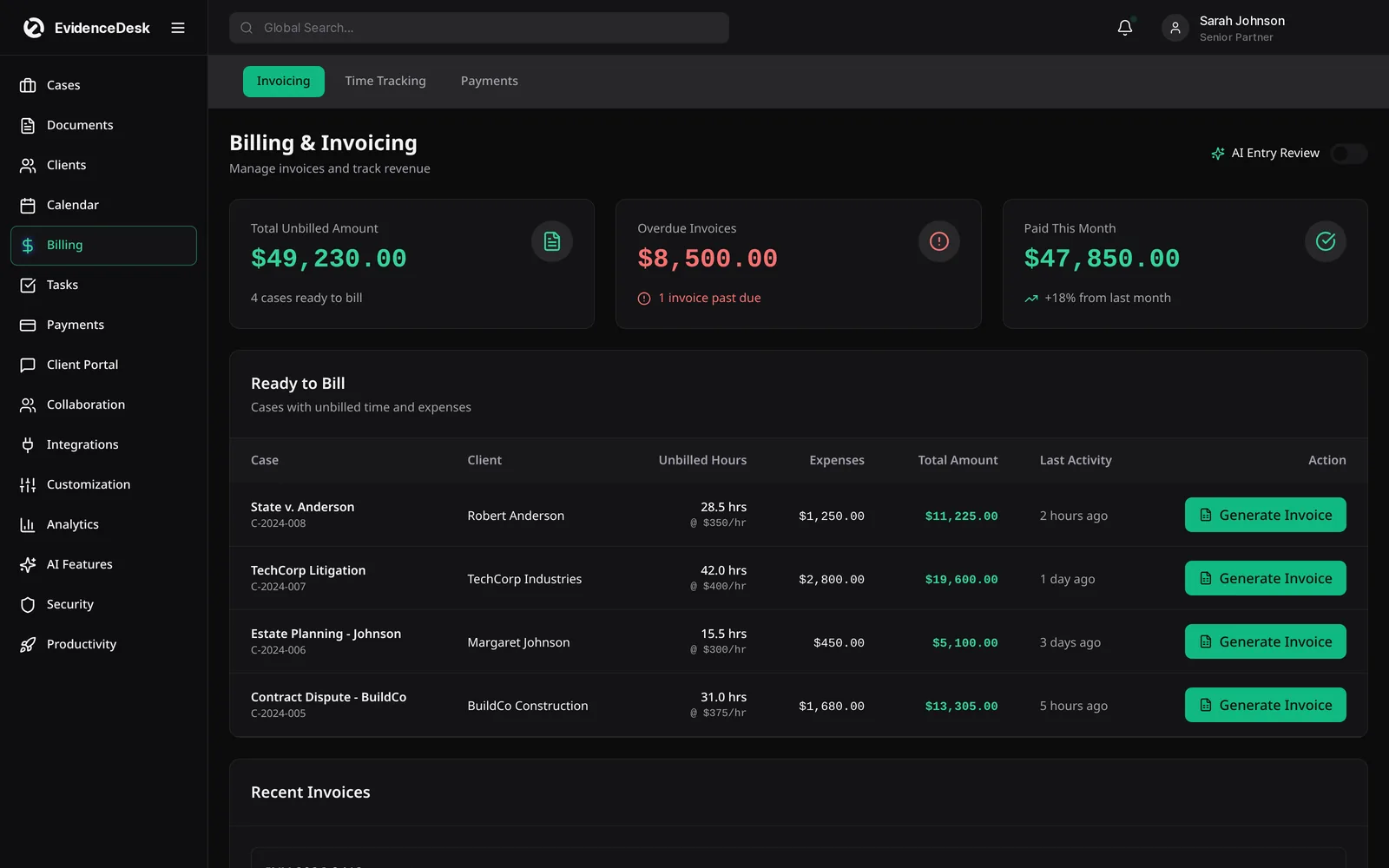
| Time recording | Timers and manual entries? | Timers on any matter item |
| Financial management | Trust ledgers and billing reports? | Included |
Who might prefer EvidenceDesk
Small firms that want a browser-based system, and evidence-heavy practices that want exhibits and their history inside each matter.
How to run a fair evaluation
Write down the three problems you most need to solve, such as missed deadlines, slow billing or scattered evidence.
Shortlist two or three platforms, including the one you are considering leaving.
Ask each vendor for a demo using a matter that resembles your real work.
Price each option with the users and add-ons you actually need.
Ask how your data is exported if you leave, and how migration works if you join.
Involve the people who will use it daily, including paralegals and billing staff.
Questions to ask every vendor
Deployment
Is the software browser-based, desktop-based or both, and what does that mean for remote work?
Documents
How are documents, emails and evidence organized by matter?
Time capture
How is time recorded, and how much is captured automatically?
Billing and trust
Are invoices and trust ledgers linked?
Data export
Can you export all records in standard formats?
Pricing
What is included in each plan?
Reading reviews carefully
Reviews reflect each reviewer's firm size, practice area and setup. Look for reviews from firms similar to yours, focus on patterns that recur, and verify important points in a demo using your own sample matters.
About this comparison
This page is written by EvidenceDesk. We describe other products in general terms only and do not quote their pricing, ratings or reviews, because those change frequently. Check each vendor's official website for current features and pricing. Product names are trademarks of their respective owners; EvidenceDesk is not affiliated with them.
Planning the switch
Moving from a desktop-centred tool to a cloud platform is mostly about documents. Decide how folders map to matters, which templates you need to rebuild and how email filing will work after the move. Test the mapping on a handful of closed matters before migrating active ones.
Then list the rest of the data that must come across: contacts, open matters, unbilled time and trust balances. Pick a cut-over date, reconcile trust on both sides on that day and keep read-only access to the old system until the first billing cycle in EvidenceDesk closes cleanly. Train staff one workflow at a time, starting with time entry, so revenue keeps flowing during the change.
Frequently asked questions
What is a good Smokeball alternative?
Alternatives commonly compared include Clio, MyCase, PracticePanther and EvidenceDesk. EvidenceDesk focuses on evidence and document handling in each matter.
Where can I read Smokeball reviews?
Independent software review sites publish user reviews. We do not reproduce competitor reviews.
Can I switch to EvidenceDesk from Smokeball?
Yes. Tell us what you use and the team will plan the migration of matters, contacts and documents with you.
Is EvidenceDesk cloud-based?
Yes. EvidenceDesk runs in the browser, so there is no server or desktop software to install.
How much does EvidenceDesk cost?
Solo is $39, Firm $69 and Litigation Pro $99 per user per month billed annually ($49, $85 and $119 billed monthly).
Explore related pages
Clio Alternatives
Comparing Clio competitors? See how EvidenceDesk compares with Clio as a legal practice management alternative, and what to evaluate before switching.
Read moreFilevine Alternative
Comparing Filevine? See how EvidenceDesk compares as a Filevine alternative for case management, evidence, litigation and personal injury workflows.
Read moreSmall Law Firms
Case management and billing software for small law firms: shared matters and calendar, permissions, time tracking and trust accounting.
Read moreEvidence & Document Management
Secure legal document management software for law firms. Organize evidence and exhibits by matter, tag and search files, track versions and keep an audit trail.
Read moreBilling & Time Tracking
Legal billing software with built-in attorney time tracking, invoicing, expenses and trust (IOLTA) accounting support, connected directly to each matter.
Read moreContact
Contact EvidenceDesk to book a demo, ask about pricing or plan a migration. Email hello@evidencedesk.io or call +1 (907) 474-0001.
Read moreSee how EvidenceDesk brings cases, evidence, billing, clients and calendar together. Your Evidence. Organized. Airtight.
Cloud-based · Works in any browser · Plans from $39/user/mo

Clio, MyCase, PracticePanther, Filevine and Smokeball are trademarks of their respective owners. EvidenceDesk is not affiliated with them.