Looking for a MyCase alternative? Compare EvidenceDesk
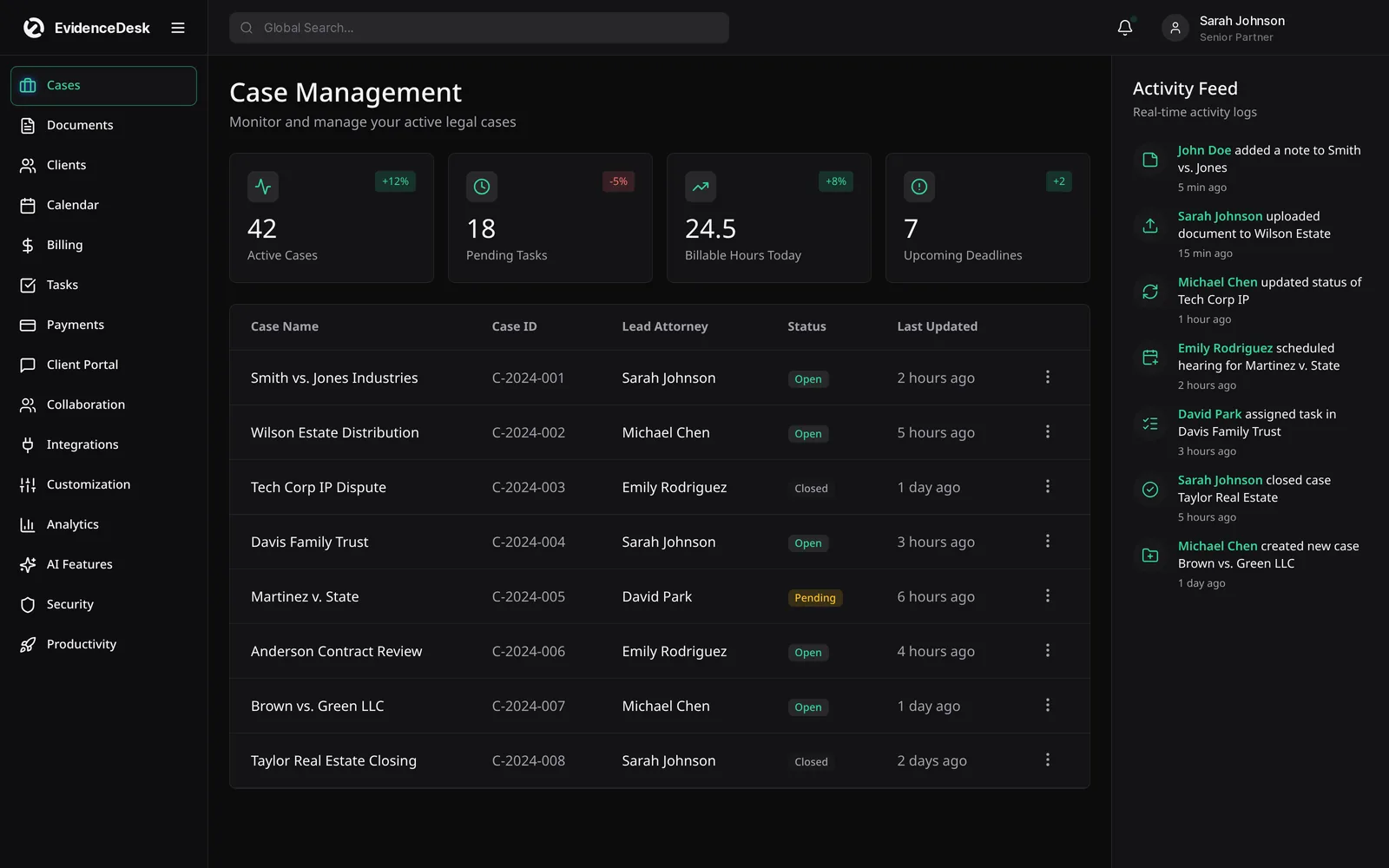
MyCase is a cloud-based legal practice management platform popular with small firms. EvidenceDesk is a MyCase alternative for firms that want evidence and document management at the center of every matter, alongside case management, billing, trust accounting, client portal and calendar in one system.

What is MyCase?
MyCase is legal practice management software that provides case management, documents, calendaring, time tracking, billing and a client portal in a web-based platform. It is often evaluated by solo attorneys and small firms looking for an all-in-one system. For its current features, plans and pricing, visit the official MyCase website.
Why firms look for a MyCase alternative
Firms usually explore alternatives for a few reasons: they want different packaging or pricing, they need stronger handling of a specific workflow, or they are consolidating tools. Reading independent reviews and talking with peers in your practice area is a good way to understand fit. For firms whose work is evidence-heavy, the way a platform organizes exhibits and records who handled them can be a deciding factor.
EvidenceDesk vs MyCase: what to compare
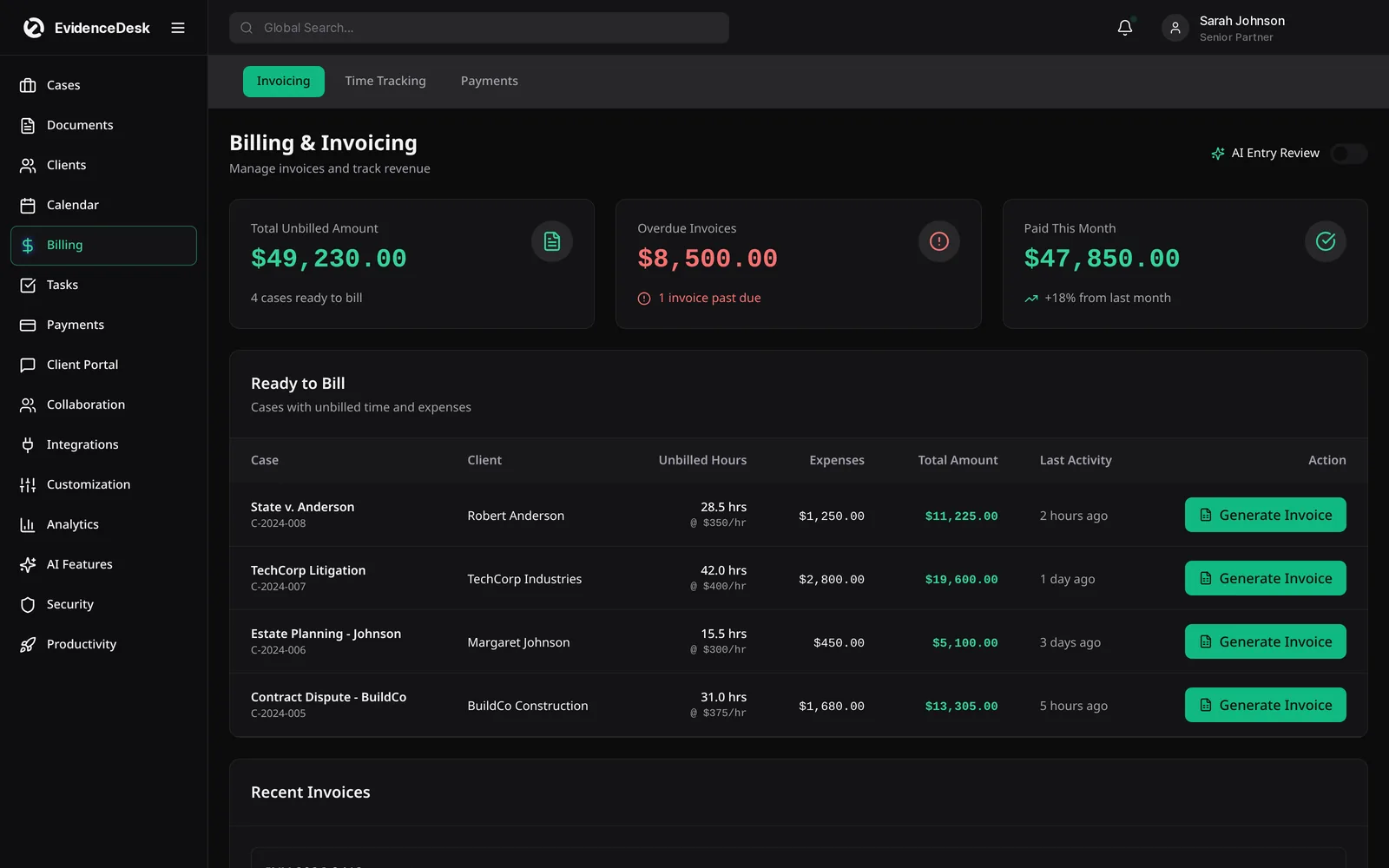
| Area | Questions to ask | EvidenceDesk approach |
|---|---|---|
| Evidence | Can exhibits be tagged by issue and witness with an access log? | Evidence vault in every matter |
| Client portal | What can clients see and do? | Secure documents, messages and invoices |
| Trust accounting | Per-client ledgers and transfer records? | Linked to matters and invoices |
| Billing | Fee types and timers? | Hourly, flat, contingency, split |
| Templates | Practice-area fields and checklists? | Included |
| Migration | How is data exported and imported? | Migration help from our team |
Moving from MyCase to EvidenceDesk
Export contacts, matters and documents from your current system.
Share the export with our team to map fields.
Import into EvidenceDesk and review a sample of matters.
Set trust opening balances per client after reconciling.
Switch over at a billing cycle boundary.
How to run a fair evaluation
Write down the three problems you most need to solve, such as missed deadlines, slow billing or scattered evidence.
Shortlist two or three platforms, including the one you are considering leaving.
Ask each vendor for a demo using a matter that resembles your real work.
Price each option with the users and add-ons you actually need.
Ask how your data is exported if you leave, and how migration works if you join.
Involve the people who will use it daily, including paralegals and billing staff.
About this comparison
This page is written by EvidenceDesk. We describe other products in general terms only and do not quote their pricing, ratings or reviews, because those change frequently. Check each vendor's official website for current features and pricing. Product names are trademarks of their respective owners; EvidenceDesk is not affiliated with them.
Planning the switch
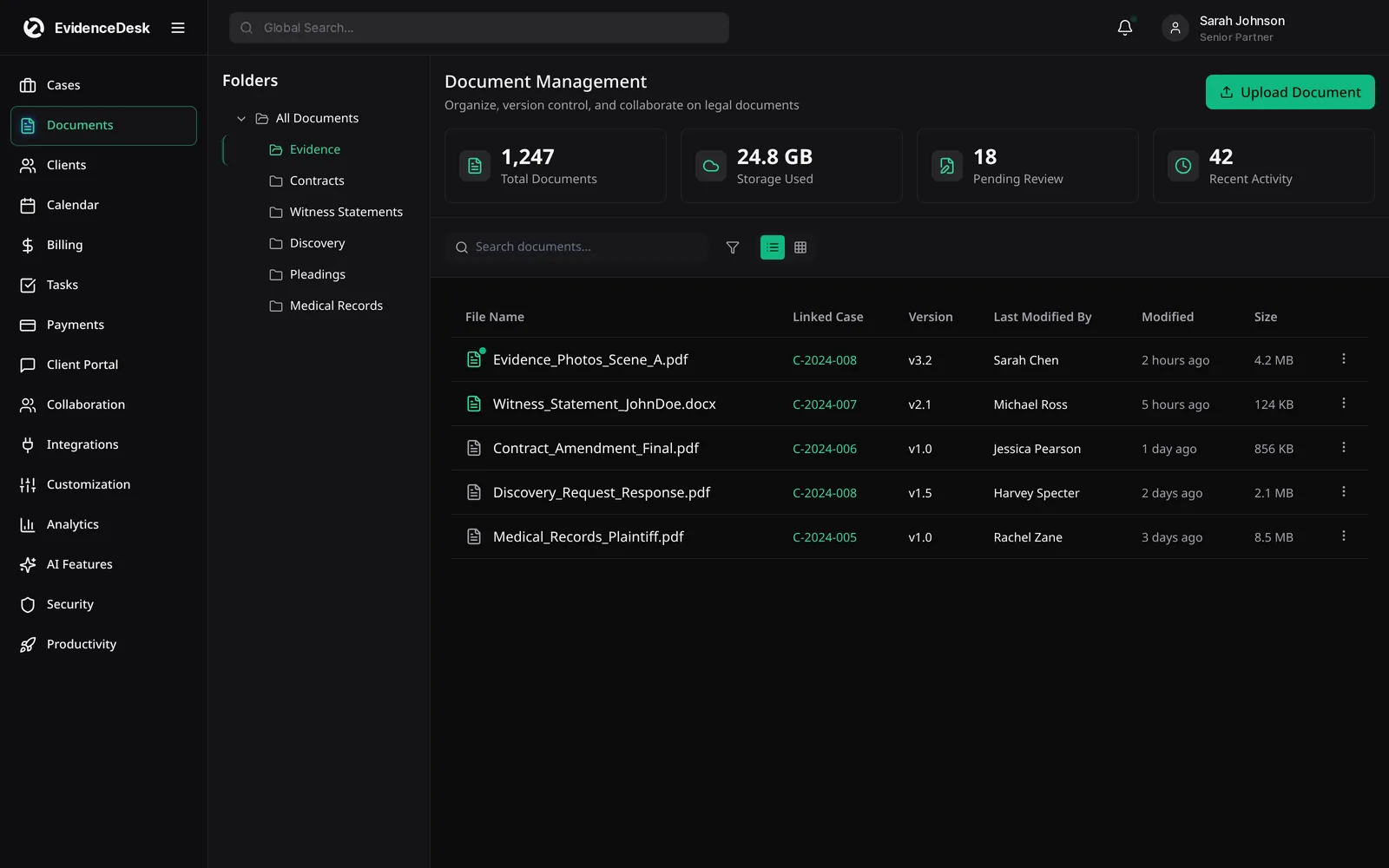
If you decide to move, list what has to come across first: open matters, contacts, documents, unbilled time and trust balances. Agree a cut-over date, reconcile trust on both sides on that date and keep read-only access to the old system for reference until the first billing cycle in the new one closes cleanly.
Frequently asked questions
What is a good MyCase alternative?
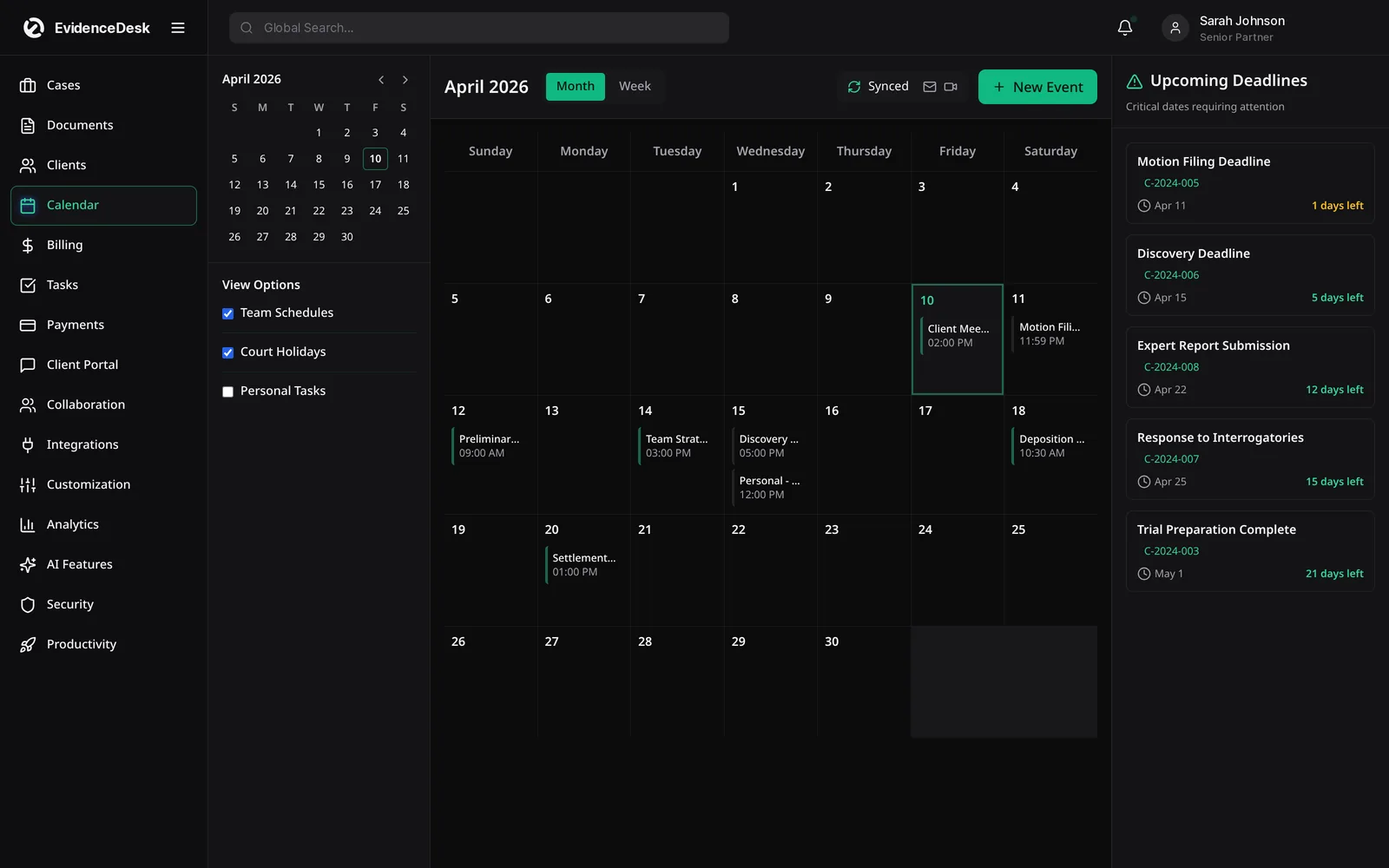
A good MyCase alternative covers case management, documents, billing, trust accounting, calendaring and a client portal. EvidenceDesk offers these with a stronger focus on evidence handling inside each matter.
Can I switch to EvidenceDesk from MyCase?
Yes. Contact our team to plan a migration of your contacts, matters and documents.
Where can I read MyCase reviews?
Independent software review sites and bar association technology resources publish user reviews. We do not reproduce competitor reviews.
How much does EvidenceDesk cost?
Solo is $39, Firm $69 and Litigation Pro $99 per user per month billed annually ($49, $85 and $119 billed monthly).
Does EvidenceDesk have a client portal?
Yes. Clients can view shared documents, send messages and upload files through a secure portal, and only see what the firm chooses to share.
Explore related pages
Clio vs MyCase
Clio vs MyCase vs PracticePanther compared: what each is known for, the features to evaluate, and where EvidenceDesk fits as an evidence-first alternative.
Read moreClio Alternatives
Comparing Clio competitors? See how EvidenceDesk compares with Clio as a legal practice management alternative, and what to evaluate before switching.
Read moreTrust Accounting
Legal trust accounting software that keeps client trust and IOLTA funds separate, maintains per-client ledgers and supports three-way reconciliation.
Read moreClients & Calendar
Manage leads, client intake, a secure client portal and a shared legal calendar for court dates and deadlines, all connected to your matters in EvidenceDesk.
Read moreEvidence & Document Management
Secure legal document management software for law firms. Organize evidence and exhibits by matter, tag and search files, track versions and keep an audit trail.
Read moreContact
Contact EvidenceDesk to book a demo, ask about pricing or plan a migration. Email hello@evidencedesk.io or call +1 (907) 474-0001.
Read moreSee how EvidenceDesk brings cases, evidence, billing, clients and calendar together. Your Evidence. Organized. Airtight.
Cloud-based · Works in any browser · Plans from $39/user/mo

Clio, MyCase, PracticePanther, Filevine and Smokeball are trademarks of their respective owners. EvidenceDesk is not affiliated with them.