Criminal defense case management software
EvidenceDesk criminal defense software organizes each case around its evidence: discovery logged as it arrives, exhibits tagged with access history, hearing and trial dates calendared, client communication recorded and flat fees or retainers tracked.

Why criminal defense is evidence-heavy
Defense work turns on discovery: police reports, body-worn and dashcam video, audio, photos, lab results, phone extractions and witness statements. Productions often arrive in batches and in several formats. The defense team must review them, track what has been received and requested, and be ready to present the right exhibit at a hearing. Court dates come quickly and may change.
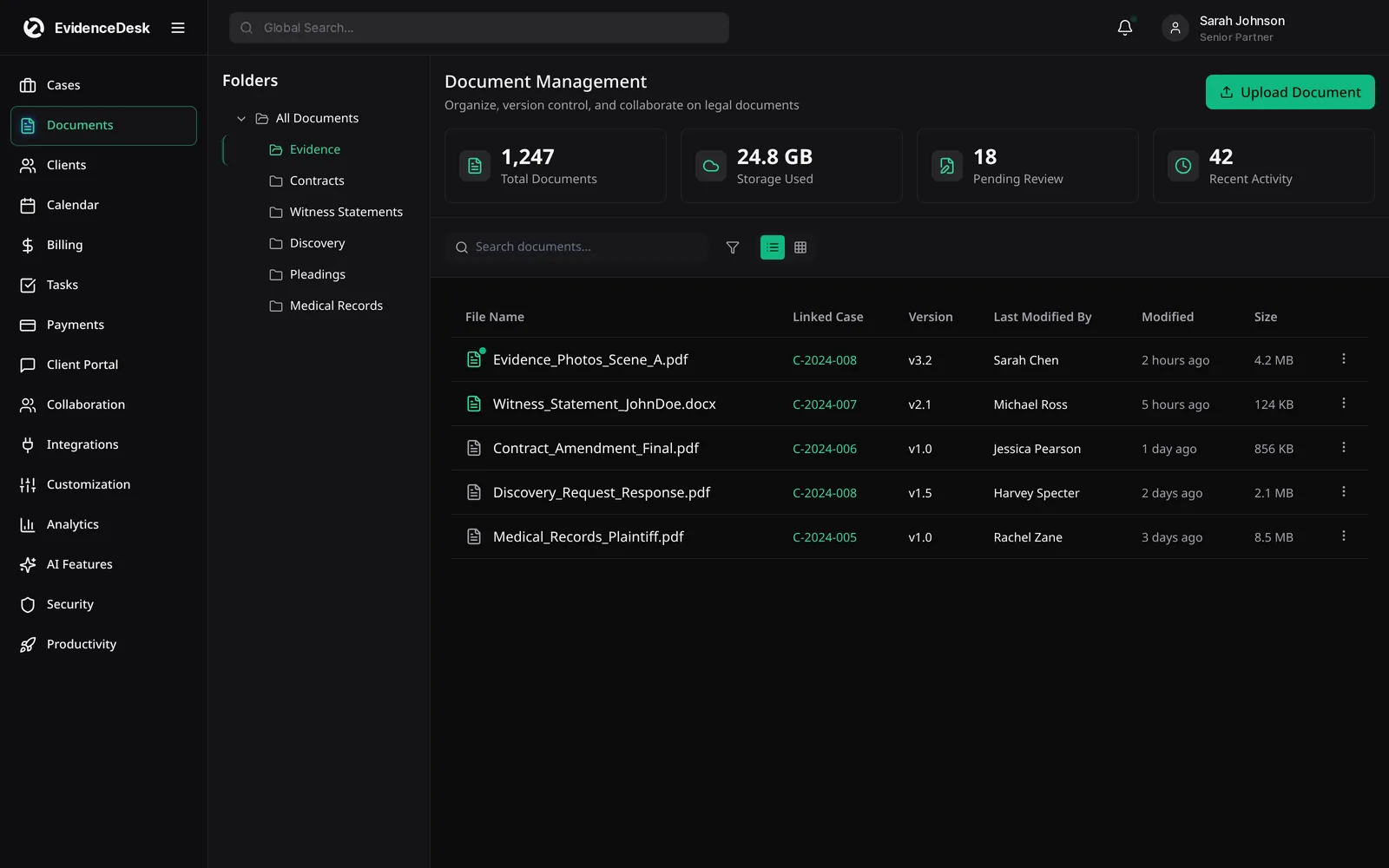
How EvidenceDesk supports criminal defense firms
Criminal defense template
Charges, case number, court, judge, prosecutor, custody status and key dates.
Discovery log
Record each production, its date and contents, and outstanding requests.
Evidence vault
Store video, audio, images and documents with tags and an access history for each file. See evidence management.
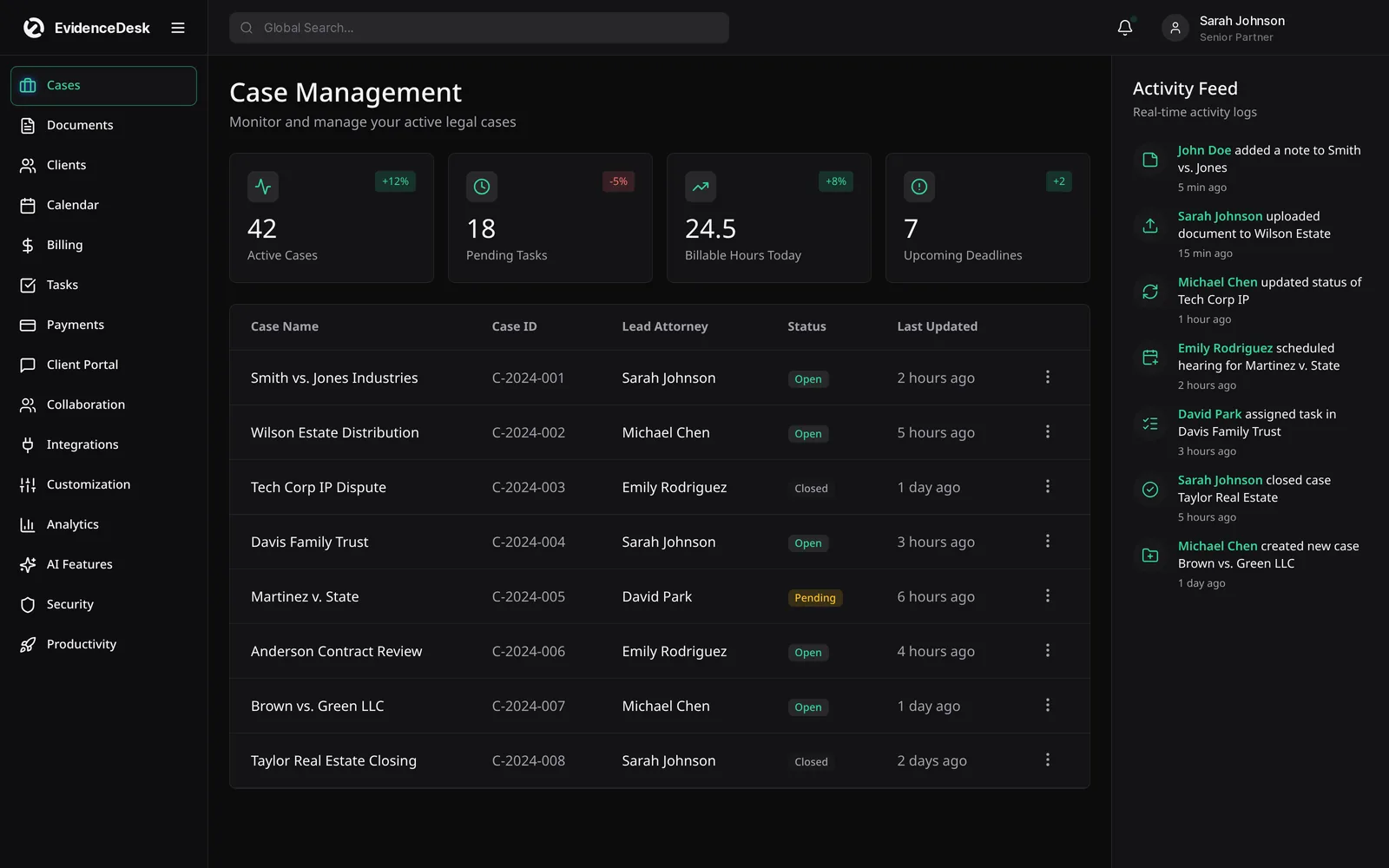
Hearing calendar
Arraignments, motions, pretrial conferences and trial dates with reminders.
Witness tracking
Contacts, statements and subpoena status.
Client communication
Portal messages and call notes recorded on the case.
Flat-fee and retainer billing
Track payments and trust balances by matter.
Intake and CRM for criminal defense
Prospective clients often call under stress and need a quick response. EvidenceDesk intake and CRM records each inquiry, the charge and the next court date, and assigns a follow-up so the attorney can respond quickly. Conflict checks cover co-defendants and witnesses.
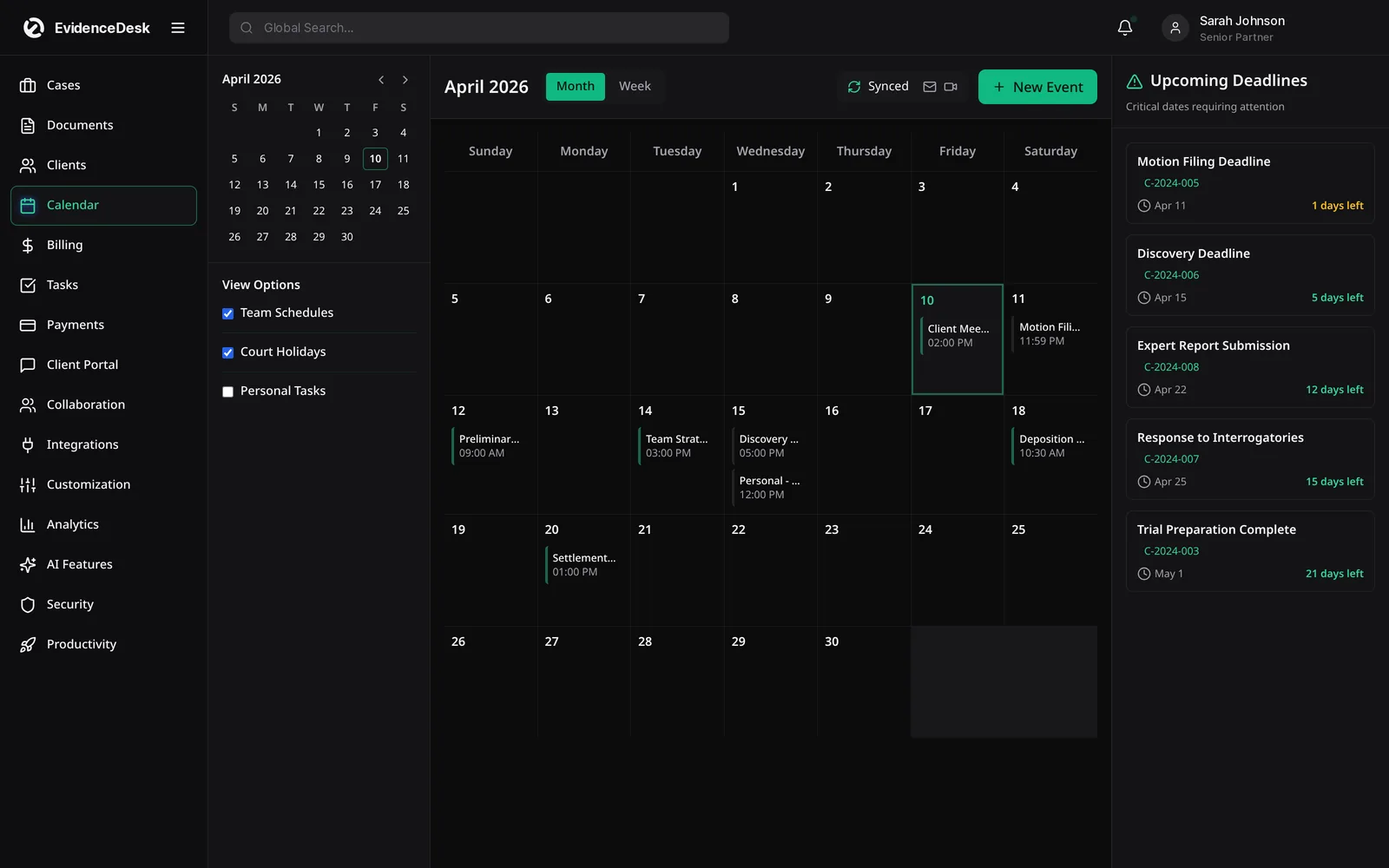
A criminal defense workflow
Inquiry logged with charge and next court date; conflict check run.
Engagement and fee recorded; case opens with the defense checklist.
Discovery requested and logged as received; evidence tagged.
Motions and hearings calendared; preparation tasks assigned.
Exhibits for each hearing pulled from tagged evidence.
Outcome recorded and the matter closed or moved to appeal or post-conviction.
Key capabilities for defense attorneys
Discovery log
Record every production from the prosecution with the date received, the format and what it contains, so nothing is overlooked before trial.
Evidence tagging
Label body-cam footage, reports, lab results and photos by type, witness and issue, and find them again by search.
Hearing calendar
Arraignments, pretrial conferences, motion hearings and trial dates sit on the matter with reminders for the whole team.
Flat fee billing
Bill by stage of the case, such as through arraignment or through trial, and track payments against each stage.
Secure client messaging
Share documents and updates through a portal instead of email or text, which matters when clients are detained or their devices are shared.
Conflict checks
Search co-defendants, victims and witnesses before taking a new case.
Why one system matters in criminal defense
Criminal cases move quickly and depend on details buried in discovery. When the discovery index, the client file, the hearing calendar and the fee agreement live in different places, details are missed. Keeping them on the same matter means anyone covering a hearing can open the file and see the charges, the evidence received, the next court date and the fee status in a few seconds.
Frequently asked questions
What is criminal defense case management software?
It is practice management software for defense attorneys that organizes charges, discovery, evidence, hearings, client communication and billing for each case.
Can EvidenceDesk store body-cam and other video evidence?
Yes. Video, audio and image files can be stored in the matter's evidence vault with tags and access history.
Does EvidenceDesk help track discovery?
Yes. A discovery log records productions received, their contents and outstanding requests.
Can I bill criminal cases by stage?
Yes. Flat fees can be billed by stage of the case, such as through arraignment or through trial, with payments tracked against each stage.
Who can access a criminal defense file?
Only users your firm authorizes, according to their role and matter permissions.
Explore related pages
Evidence & Document Management
Secure legal document management software for law firms. Organize evidence and exhibits by matter, tag and search files, track versions and keep an audit trail.
Read moreLitigation Management
A litigation management system for law firms: track cases, pleadings, discovery, exhibits, depositions and court deadlines in one secure, cloud-based workspace.
Read moreClients & Calendar
Manage leads, client intake, a secure client portal and a shared legal calendar for court dates and deadlines, all connected to your matters in EvidenceDesk.
Read moreCourt Deadline Calculator
Free legal date calculator: count calendar or business days from a trigger date to estimate a court deadline, with weekend roll. Not legal advice.
Read moreSecurity
How EvidenceDesk approaches law firm data security: role and matter permissions, encryption, audit trails and secure client sharing.
Read moreSolo Attorneys
Practice management and billing software for solo practitioners: simple case management, time tracking, invoicing, trust accounting and calendar.
Read moreAI Features
AI for law firms built into EvidenceDesk: document and evidence summaries and case timelines on Litigation Pro, with attorney review at every step.
Read moreSee how EvidenceDesk brings cases, evidence, billing, clients and calendar together. Your Evidence. Organized. Airtight.
Cloud-based · Works in any browser · Plans from $39/user/mo