Security and confidentiality for law firm data
EvidenceDesk protects law firm data with role-based and matter-level permissions, encrypted storage and transport, an audit trail of activity on matters and evidence, and secure client sharing that replaces sensitive email attachments.

Why law firm cybersecurity matters
Law firms hold confidential information about clients, opposing parties and transactions. Lawyers have professional duties to protect that information, and clients increasingly ask how their data is handled. Cybersecurity for lawyers is not only about technology; it combines secure software, sensible firm policies and trained people.
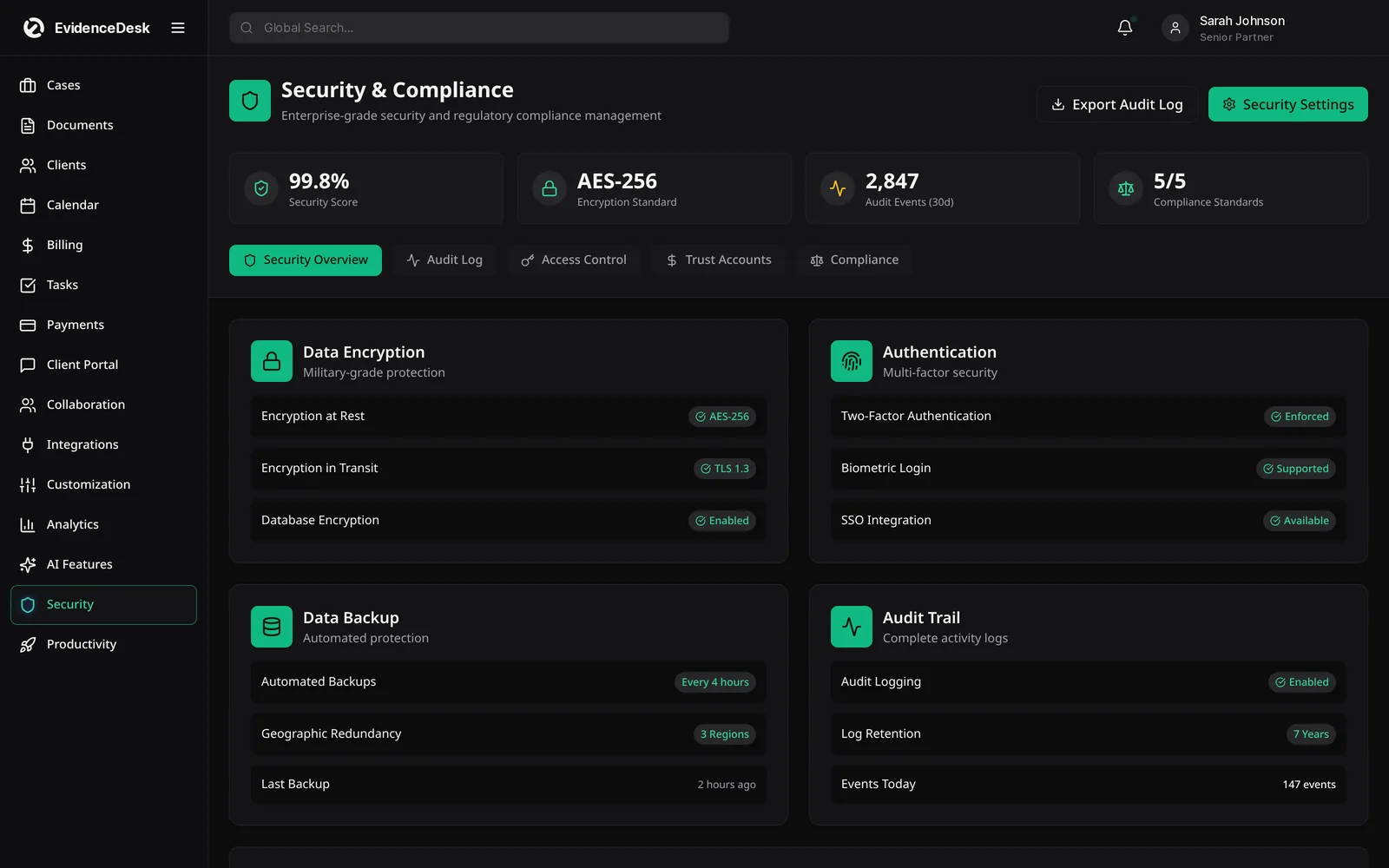
How EvidenceDesk protects your data
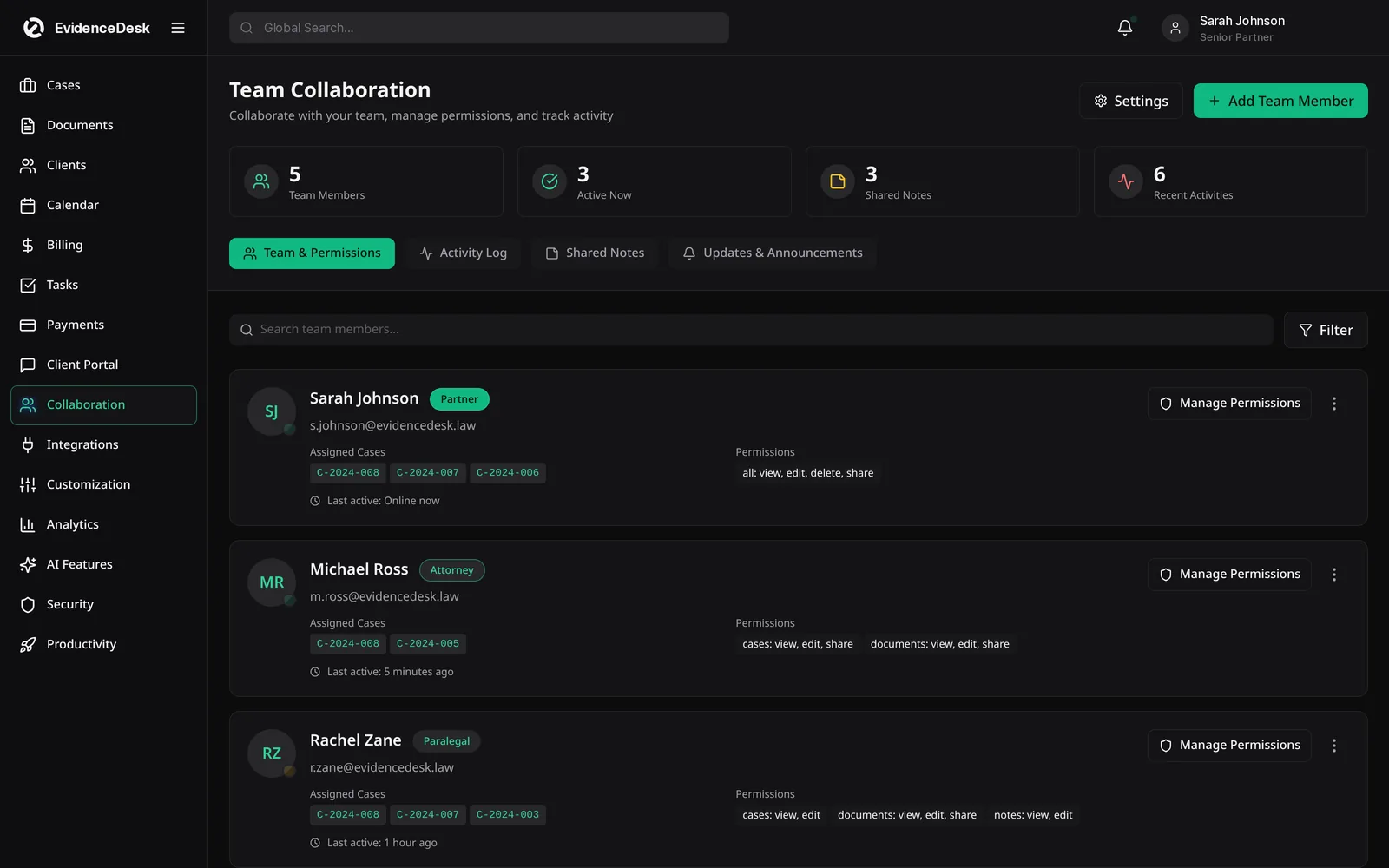
Access control
Permissions by role and by matter, so people see only what they need.
Encryption
Data is encrypted in transit using TLS and encrypted at rest by our infrastructure providers.
Audit trail
Views, uploads, changes and shares on matters and evidence are logged.
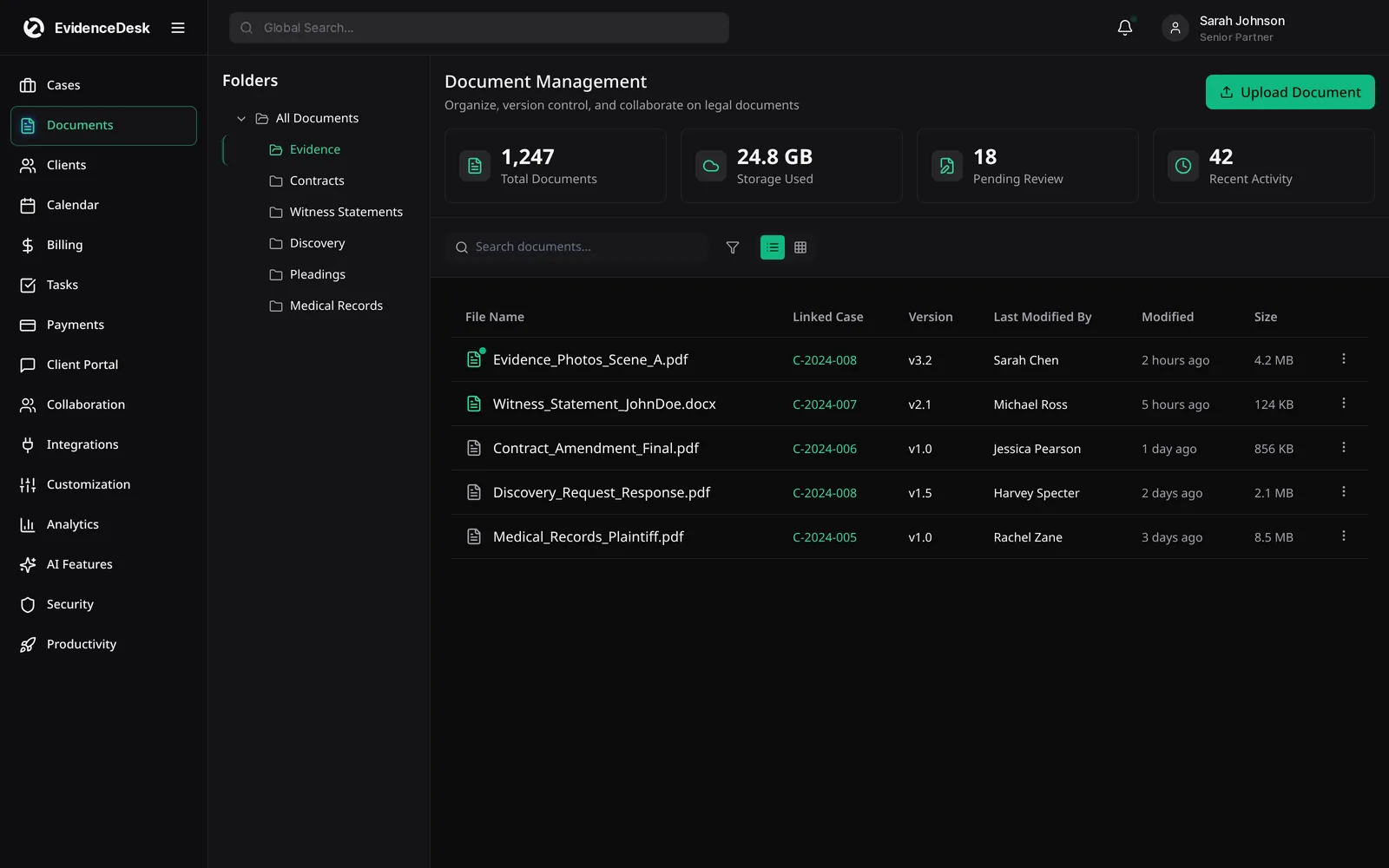
Evidence access history
Every exhibit records who handled it and when.
Secure client sharing
Clients exchange documents through the portal rather than email.
Expiring links
Shared links can be limited in time.
Version history
Earlier versions of documents are retained.
Data export
Firms can export their records.
Shared responsibility
Software is one part of security. The firm controls who has accounts, how strong passwords are and how devices are protected. We recommend every firm adopt the practices below.
Law firm cybersecurity best practices
Use unique, strong passwords with a password manager, and enable multi-factor authentication wherever available.
Give each person their own account and remove access promptly when someone leaves.
Grant the least access needed for each role.
Keep operating systems and browsers updated.
Treat unexpected payment-change and wire instructions as suspicious and verify them by phone.
Avoid sending sensitive documents as email attachments; use a secure portal.
Train staff to recognize phishing.
Have a written incident response plan and know who to call.
Compliance questions
We do not claim certifications we have not obtained. If your firm needs specific security documentation for due diligence, contact us and we will share what is available. Our privacy policy and data processing summary explain how customer data is handled.
Reporting a security issue
If you believe you have found a vulnerability, email hello@evidencedesk.io with the subject "Security". Please do not access other customers' data or disrupt the service while testing.
Infrastructure safeguards
AES-256 encryption
Files are encrypted at rest and in transit.
Daily backups
Automated, encrypted backups with 30-day retention and point-in-time recovery.
AWS hosting
EvidenceDesk runs on AWS infrastructure in the us-east-1 region.
SOC 2 readiness
The infrastructure is designed to meet SOC 2 Type II requirements.
Frequently asked questions
Is cloud software safe for law firms?
Cloud software can be safe for law firms when it provides encryption, strong access controls, audit logging and reliable backups, and when the firm follows good account and device practices. Many bar associations have issued guidance on lawyers' use of cloud services.
Who can see my firm's matters in EvidenceDesk?
Only users your firm authorizes, according to their role and matter permissions. Clients see only what you share through the portal.
What is secure legal document storage?
Secure legal document storage keeps files encrypted, restricts access by role and matter, and logs views and changes, rather than simply storing files in shared folders.
Does EvidenceDesk keep audit logs?
The Litigation Pro plan includes audit logs that record who accessed or changed what and when. See the pricing page for what each plan includes.
Can clients see internal notes?
No. Clients see only what the firm shares through the client portal.
Explore related pages
Evidence & Document Management
Secure legal document management software for law firms. Organize evidence and exhibits by matter, tag and search files, track versions and keep an audit trail.
Read morePrivacy Policy
How EvidenceDesk collects, uses, shares and protects personal information on evidencedesk.io and in the EvidenceDesk service, and the choices available to you.
Read moreData Processing (DPA)
How EvidenceDesk processes personal data on behalf of law firm customers: roles, security measures, subprocessors, transfers and deletion.
Read moreAbout
EvidenceDesk is a Florida-based legal software company building practice management software that puts evidence and documents at the center of every matter.
Read moreIntegrations
EvidenceDesk integrations: QuickBooks and Xero sync, Google and Outlook calendar sync, e-signature, online payments and an API on Litigation Pro.
Read moreFAQ
Answers to common questions about legal practice management software and EvidenceDesk: features, pricing, security, migration, trust accounting and support.
Read moreSee how EvidenceDesk brings cases, evidence, billing, clients and calendar together. Your Evidence. Organized. Airtight.
Cloud-based · Works in any browser · Plans from $39/user/mo