Clio competitors and alternatives: how EvidenceDesk compares
Clio is one of the best-known legal practice management platforms. Firms comparing Clio competitors often evaluate MyCase, PracticePanther, Smokeball, Filevine and EvidenceDesk. EvidenceDesk is an alternative for firms that want evidence, documents, billing and trust accounting connected in one matter record.

What is Clio?
Clio is cloud-based legal software that offers practice management and client intake products, with features such as matter management, documents, time tracking, billing and a broad set of integrations. It is used by firms of many sizes. Check the official Clio website for its current product lineup and pricing.
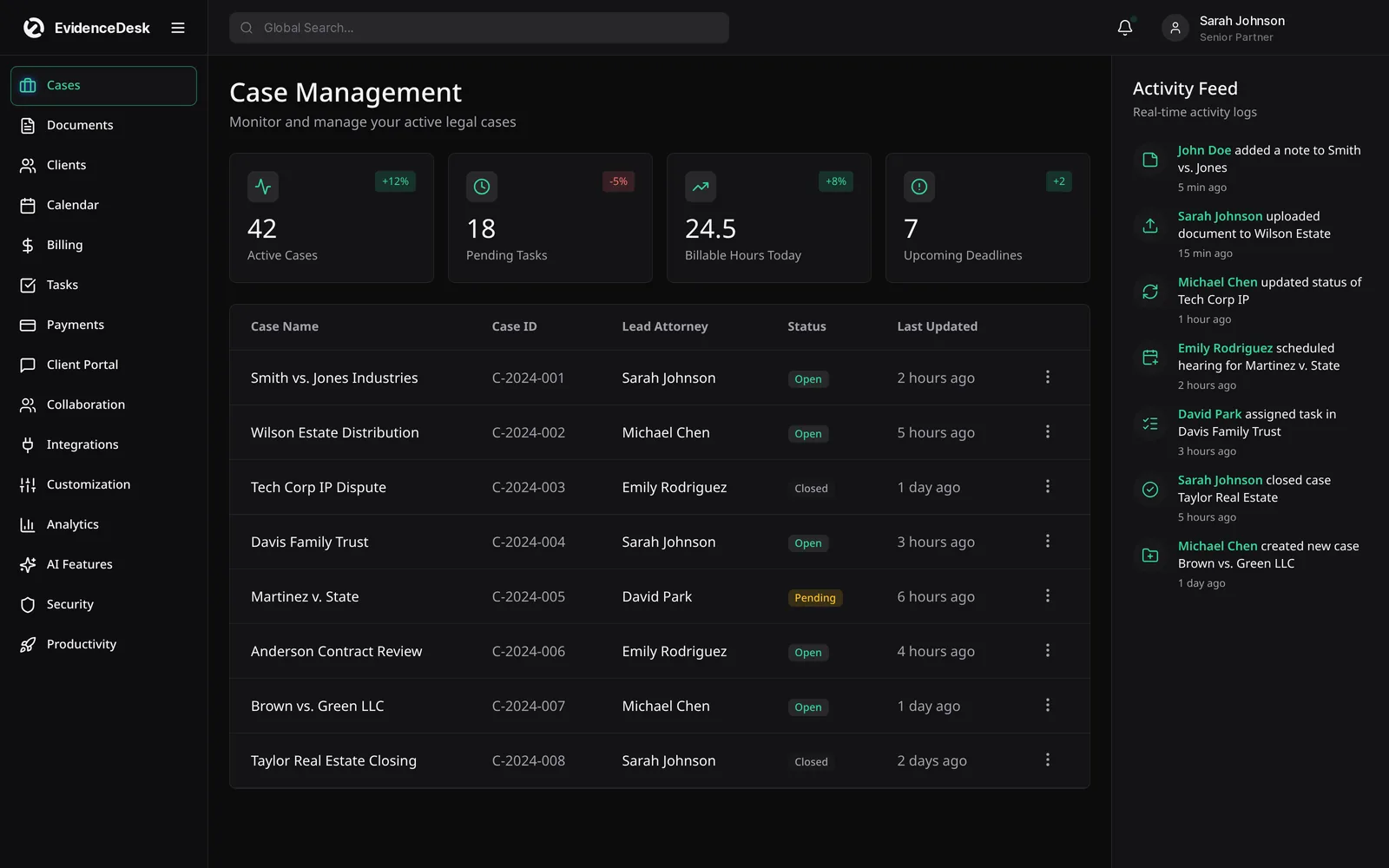
Common Clio competitors
For a wider overview, see our guide to the best legal practice management software.
MyCase
An all-in-one practice management platform. See EvidenceDesk vs MyCase.
PracticePanther
Practice management and billing for small firms. See PracticePanther alternative.
Smokeball
Practice management with a focus on small firms. See Smokeball alternative.
Filevine
Case management often associated with personal injury and litigation. See Filevine alternative.
EvidenceDesk
Evidence-first legal practice management.
EvidenceDesk vs Clio: what to compare
| Area | Questions to ask | EvidenceDesk approach |
|---|---|---|
| Product packaging | Is intake/CRM a separate product? | Intake and CRM in the same platform |
| Integrations | Which apps do you depend on? | Core features built in to reduce add-ons |
| Evidence | Access history per exhibit? | Included in every matter |
| Trust accounting | Ledgers and reconciliation reports? | Included |
| Ease of use | Can new staff learn it quickly? | Calm, simple interface |
How to run a fair evaluation
Write down the three problems you most need to solve, such as missed deadlines, slow billing or scattered evidence.
Shortlist two or three platforms, including the one you are considering leaving.
Ask each vendor for a demo using a matter that resembles your real work.
Price each option with the users and add-ons you actually need.
Ask how your data is exported if you leave, and how migration works if you join.
Involve the people who will use it daily, including paralegals and billing staff.
Questions to ask every vendor
Data export
Can you export all matters, contacts, documents, time and trust records in standard formats?
Migration
Who moves your data, what does it include and how long does it take?
Trust accounting
Does the system keep per-client ledgers and support three-way reconciliation reports?
Pricing
What is included in each plan, and which features cost extra?
Security
How is data encrypted, who can access it and is access logged?
Support
What onboarding and training is included, and how do you reach support?
About this comparison
This page is written by EvidenceDesk. We describe other products in general terms only and do not quote their pricing, ratings or reviews, because those change frequently. Check each vendor's official website for current features and pricing. Product names are trademarks of their respective owners; EvidenceDesk is not affiliated with them.
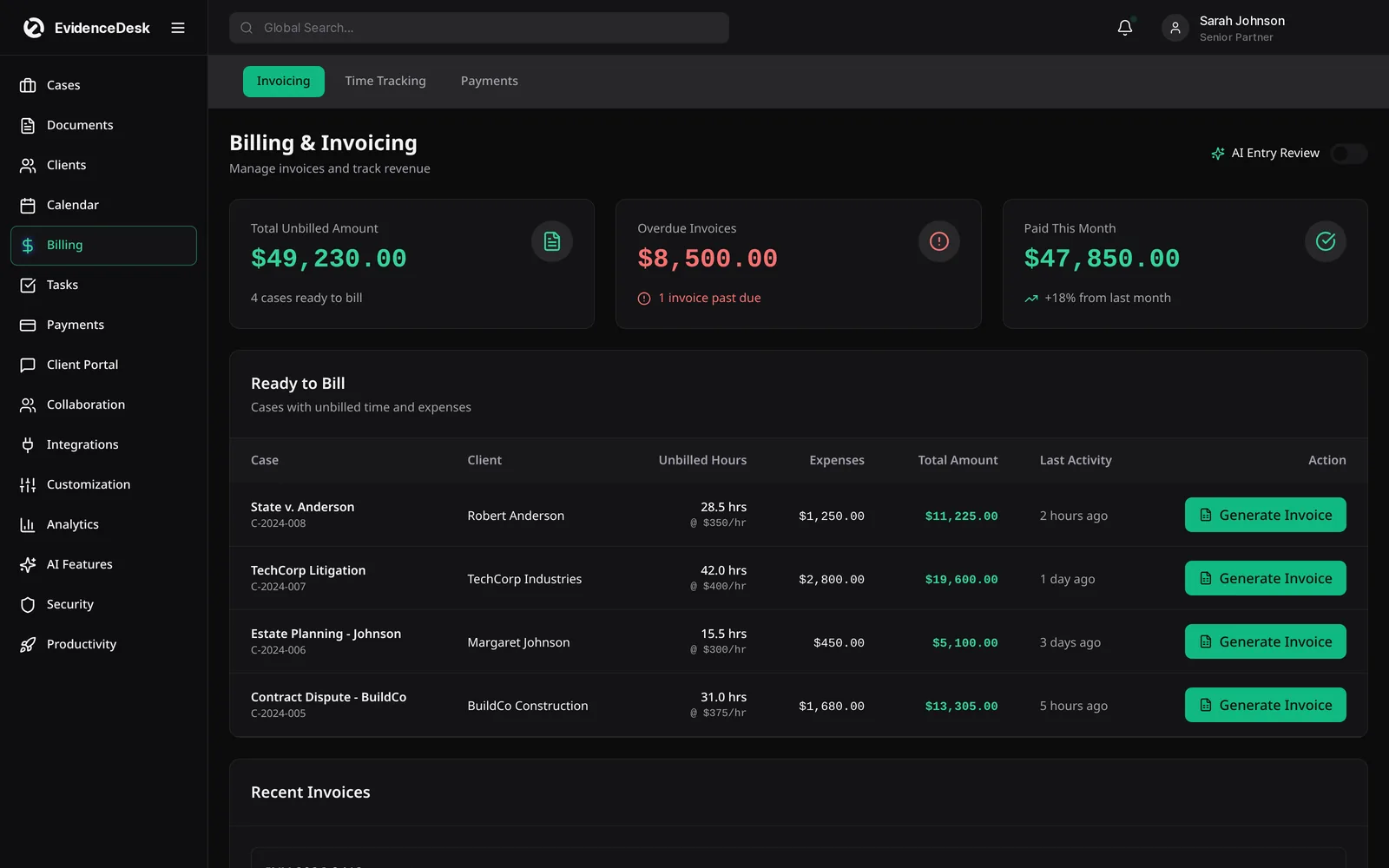
How to run a fair trial
Pick two or three real matters, one simple and one complex, and rebuild them in each tool you are testing. Enter time, issue an invoice, upload documents and share a file with a test client. The goal is to feel the daily work, not the sales demo.
Ask each person who will use the system to try their own tasks: intake for the front desk, billing for the bookkeeper, deadlines for the paralegal. Write down where each tool slowed them down. A short, honest trial with real data shows more about fit than any feature checklist, and it gives you a clear migration plan if you decide to switch.
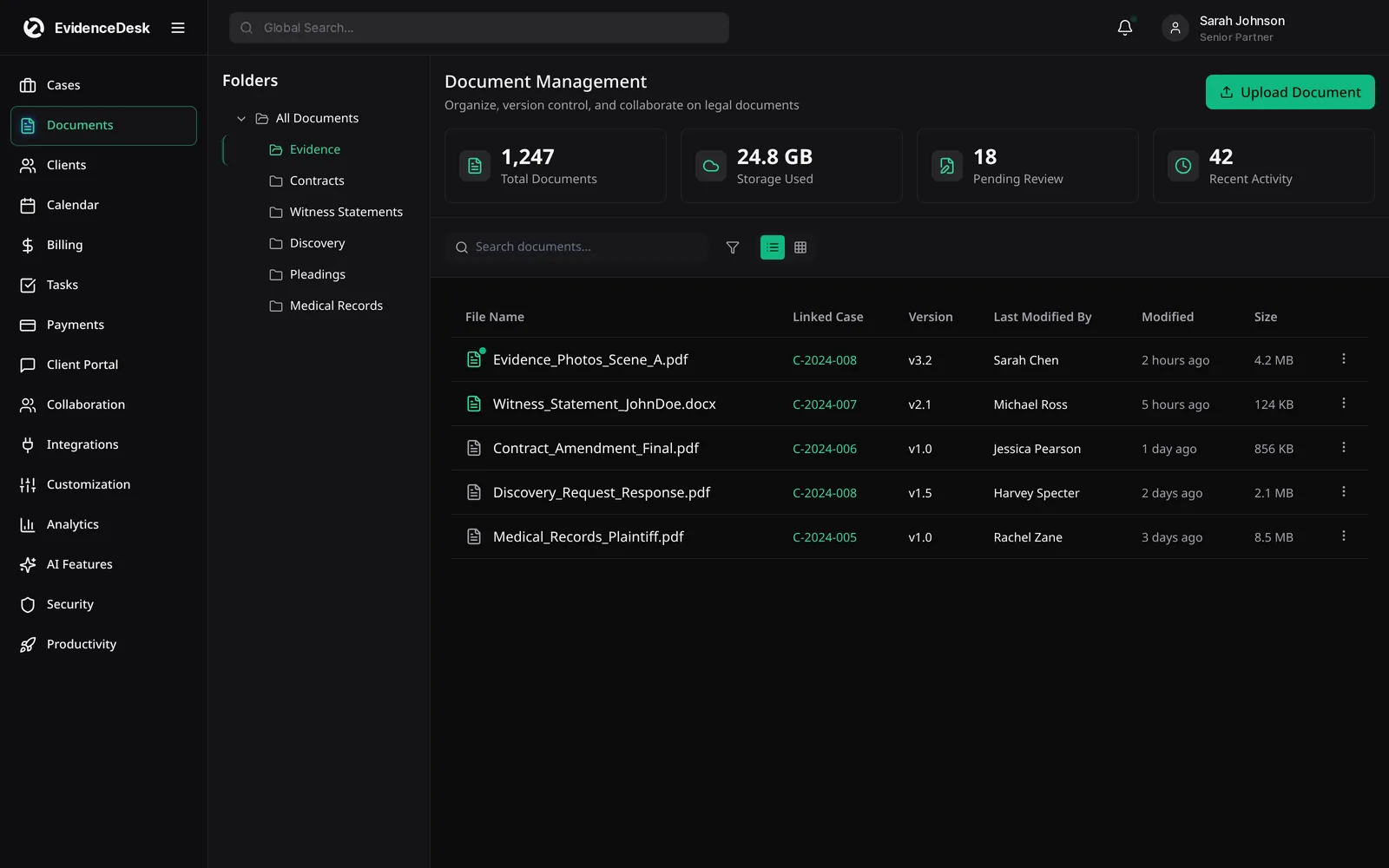
Frequently asked questions
What are the best Clio competitors?
Frequently compared alternatives include MyCase, PracticePanther, Smokeball, Filevine and EvidenceDesk. The best one depends on your practice area, integrations, billing and budget.
What is Clio used for?
Clio is used by law firms for practice management tasks such as managing matters, documents, time tracking, billing and client intake.
Can I move from Clio to EvidenceDesk?
Yes. Export your data from Clio and our team will help map and import contacts, matters and documents.
What should I check before switching from Clio?
List the data you need to move (matters, contacts, documents, time and trust balances), confirm how it will be exported and imported, and test the new system with one real matter first.
How much does EvidenceDesk cost?
Solo is $39, Firm $69 and Litigation Pro $99 per user per month billed annually ($49, $85 and $119 billed monthly).
Explore related pages
Clio vs MyCase
Clio vs MyCase vs PracticePanther compared: what each is known for, the features to evaluate, and where EvidenceDesk fits as an evidence-first alternative.
Read morePracticePanther Alternative
Considering a PracticePanther alternative? Compare EvidenceDesk with PracticePanther on case management, billing, trust accounting, evidence and client tools.
Read moreSmokeball Alternative
Considering a Smokeball alternative? Compare EvidenceDesk with Smokeball on case management, documents, time tracking, billing and evidence handling.
Read moreFeatures
EvidenceDesk features: case management, evidence and documents, billing and time tracking, trust accounting, CRM, calendaring and litigation.
Read morePricing
EvidenceDesk pricing: Solo $39, Firm $69 and Litigation Pro $99 per user/month billed annually. Volume pricing for firms with 5+ users.
Read moreContact
Contact EvidenceDesk to book a demo, ask about pricing or plan a migration. Email hello@evidencedesk.io or call +1 (907) 474-0001.
Read moreBest Legal Practice Management Software
Best legal practice management software for US and Florida law firms in 2026: Clio, MyCase, PracticePanther, Smokeball, Filevine and EvidenceDesk.
Read moreSee how EvidenceDesk brings cases, evidence, billing, clients and calendar together. Your Evidence. Organized. Airtight.
Cloud-based · Works in any browser · Plans from $39/user/mo

Clio, MyCase, PracticePanther, Filevine and Smokeball are trademarks of their respective owners. EvidenceDesk is not affiliated with them.