Legal calendaring software that keeps every deadline in view
EvidenceDesk legal calendaring puts hearings, filing deadlines, consultations and tasks on one firm calendar linked to each matter, syncs with Google and Outlook, sends reminders, and on Litigation Pro calculates court-rules deadlines.

- Legal calendaring
- Legal calendaring, also called docketing, is how a law firm records and tracks court dates, filing deadlines and other time-sensitive events for each matter so none are missed.
Why legal calendaring is different
A missed deadline in most businesses is an inconvenience. In a law firm it can mean a lost motion, a waived right or a malpractice claim. Legal calendaring is the discipline of recording every court date, filing deadline and response period for every matter, and making sure the right people are reminded in time.
General calendar apps can store events, but they do not know which matter an event belongs to, who is responsible for it, or how it relates to other dates in the case. A legal calendar connects each event to the matter, so the team sees the full schedule of a case in one place and can spot conflicts before they happen.
What EvidenceDesk calendaring includes
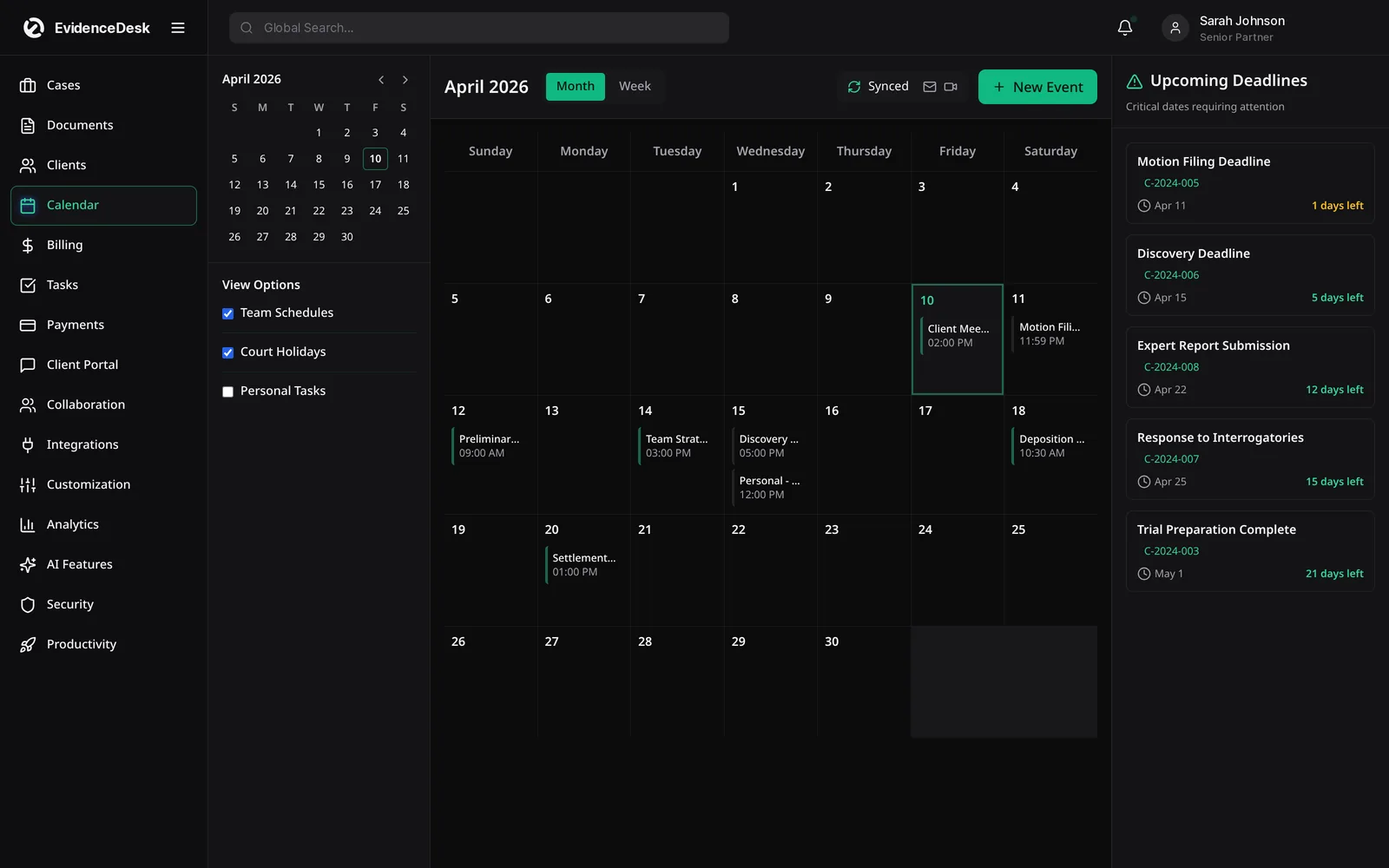
One firm calendar
Hearings, filings, consults and internal meetings for every matter in a shared view.
Matter-linked events
Each event belongs to a matter, so the case file shows its complete schedule.
Google and Outlook sync
Events appear on the calendars attorneys already use on their phones.
Automatic reminders
Reminders go out ahead of each event so nobody is surprised.
Deadline overview
An upcoming-deadlines list shows what is due this week across the firm.
Court-rules deadlines
On Litigation Pro, deadlines can be calculated from a triggering event using court rules.
How legal calendaring works in EvidenceDesk
Add an event to the matter,
Such as a hearing date or a response deadline, with the people responsible.
Set reminders
For the lead time your firm needs, for example two weeks and two days before.
Sync to personal calendars
So the event appears in Google or Outlook for each attendee.
Review upcoming deadlines
Each week from the firm-wide deadline list.
Update when dates move
When a court reschedules, change the event once and every view updates.
Calendaring and docketing best practices
Good docketing is a process, not just software. Decide who in the firm enters deadlines and who checks them. Record the source of each deadline, such as the order or rule it comes from, so it can be verified. Use two reminders for critical dates rather than one. Review the next 30 days of deadlines in a regular team meeting. And when a deadline is calculated from a rule, have a second person confirm the result.
Our free court deadline calculator helps with simple day counts. It does not apply court holidays or local rules, so always confirm the result against the rules that govern your case.
Calendaring for litigation teams
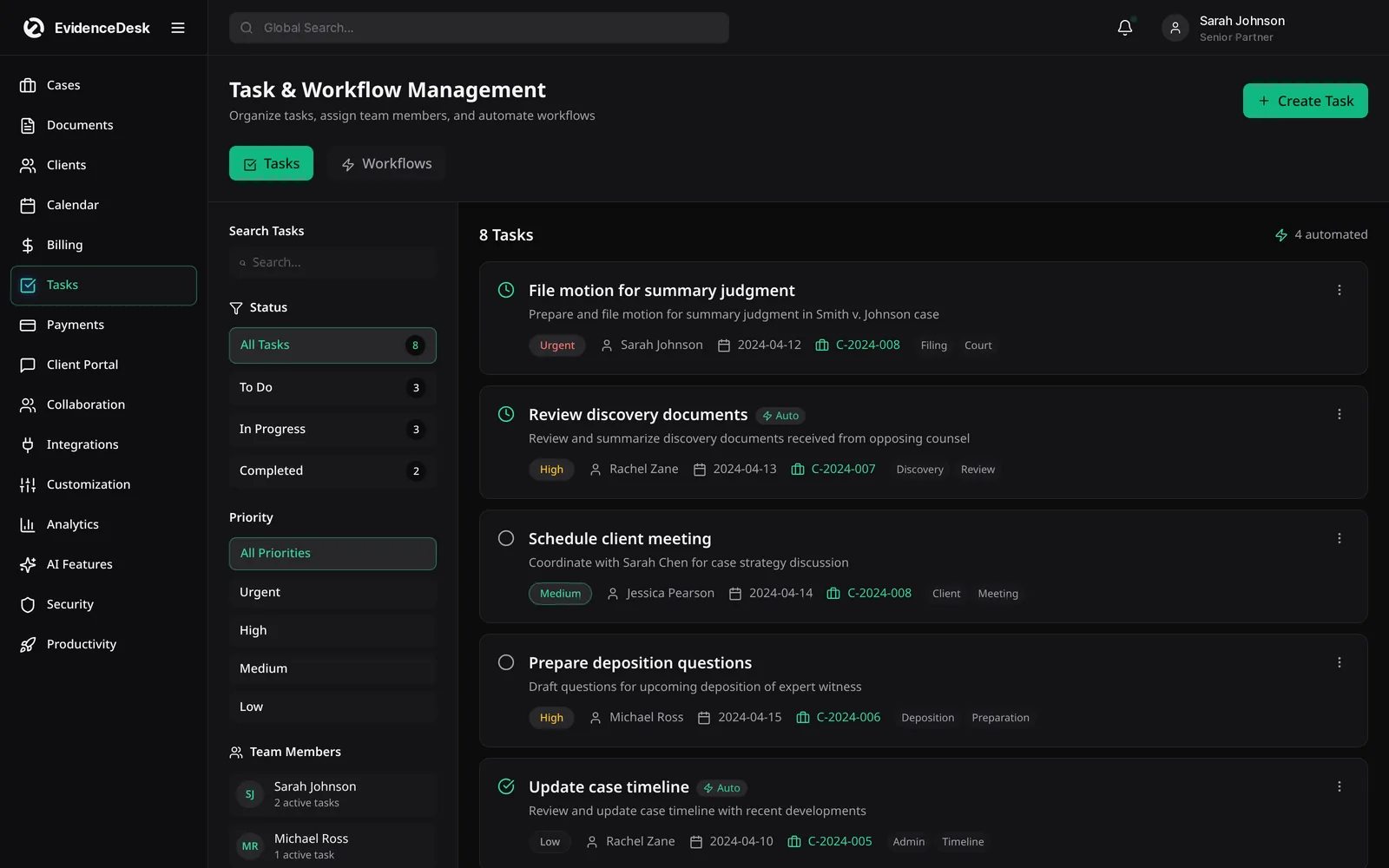
Litigation generates the most dates: scheduling orders, discovery cut-offs, expert disclosures, motion deadlines and trial. On the Litigation Pro plan, court-rules deadlines help calculate dependent dates from a triggering event, and the litigation management tools connect those dates to tasks and documents on the matter. Calendar sync with Google and Outlook and automatic reminders are included on every plan.
Calendaring features by plan
Every plan includes the firm calendar, Google and Outlook sync, reminders and tasks. Firm and Litigation Pro add text reminders and workflows, and Litigation Pro adds court-rules deadlines.
Frequently asked questions
What is legal calendaring software?
Legal calendaring software records court dates, filing deadlines and other events against each matter, shares them with the team and sends reminders so deadlines are not missed.
Does EvidenceDesk sync with Google Calendar and Outlook?
Yes. Calendar sync with Google and Outlook is included on every plan.
What is the difference between calendaring and docketing?
The terms are often used interchangeably. Docketing usually refers specifically to tracking court-related dates and deadlines, while calendaring covers all firm events.
Does EvidenceDesk calculate court deadlines?
Court-rules deadlines are included on the Litigation Pro plan. See pricing.
Can I see all upcoming deadlines across the firm?
Yes. The upcoming-deadlines view lists what is due across every matter, so the team can plan the week.
Explore related pages
Litigation Management
A litigation management system for law firms: track cases, pleadings, discovery, exhibits, depositions and court deadlines in one secure, cloud-based workspace.
Read moreWorkflows & Tasks
Legal workflow software with task lists, matter templates and automated reminders so every case follows the same checklist and nothing is missed.
Read moreCourt Deadline Calculator
Free legal date calculator: count calendar or business days from a trigger date to estimate a court deadline, with weekend roll. Not legal advice.
Read moreCase Management
EvidenceDesk is legal case management software that keeps matters, tasks, deadlines, notes and team collaboration in one secure, cloud-based workspace.
Read moreCriminal Defense
Criminal defense law software to manage discovery, evidence and chain of custody, hearing dates, client communication and flat-fee billing in one secure system.
Read moreFamily Law
Family law software for divorce, custody and support matters: secure financial disclosures, custody schedules, deadlines and billing.
Read moreIntegrations
EvidenceDesk integrations: QuickBooks and Xero sync, Google and Outlook calendar sync, e-signature, online payments and an API on Litigation Pro.
Read moreImmigration
Immigration case management software: track petitions, collect client documents securely, calendar filing deadlines and manage flat fees.
Read moreSee how EvidenceDesk brings cases, evidence, billing, clients and calendar together. Your Evidence. Organized. Airtight.
Cloud-based · Works in any browser · Plans from $39/user/mo