Legal software integrations that connect EvidenceDesk to the tools you already use
EvidenceDesk connects to the tools law firms already rely on, including Google and Outlook calendar sync on every plan, QuickBooks and Xero accounting sync on Firm and Litigation Pro, built-in e-signature and online payments, and an API on Litigation Pro.

- Legal software integrations
- Legal software integrations connect a firm's practice management system to other tools, such as accounting, calendars and e-signature, so data moves between them without manual re-entry.
Why integrations matter
A law firm runs on more than one tool. Attorneys live in their calendars, bookkeepers live in accounting software, and clients expect to sign and pay online. When those tools do not talk to each other, someone has to copy data between them, which takes time and introduces mistakes. Integrations remove that double entry.
The goal is simple: enter information once, in the place where the work happens, and let it flow to everywhere else it is needed. A hearing added to a matter should appear on the attorney's phone. A paid invoice should appear in the books. A signed engagement letter should land in the matter file.
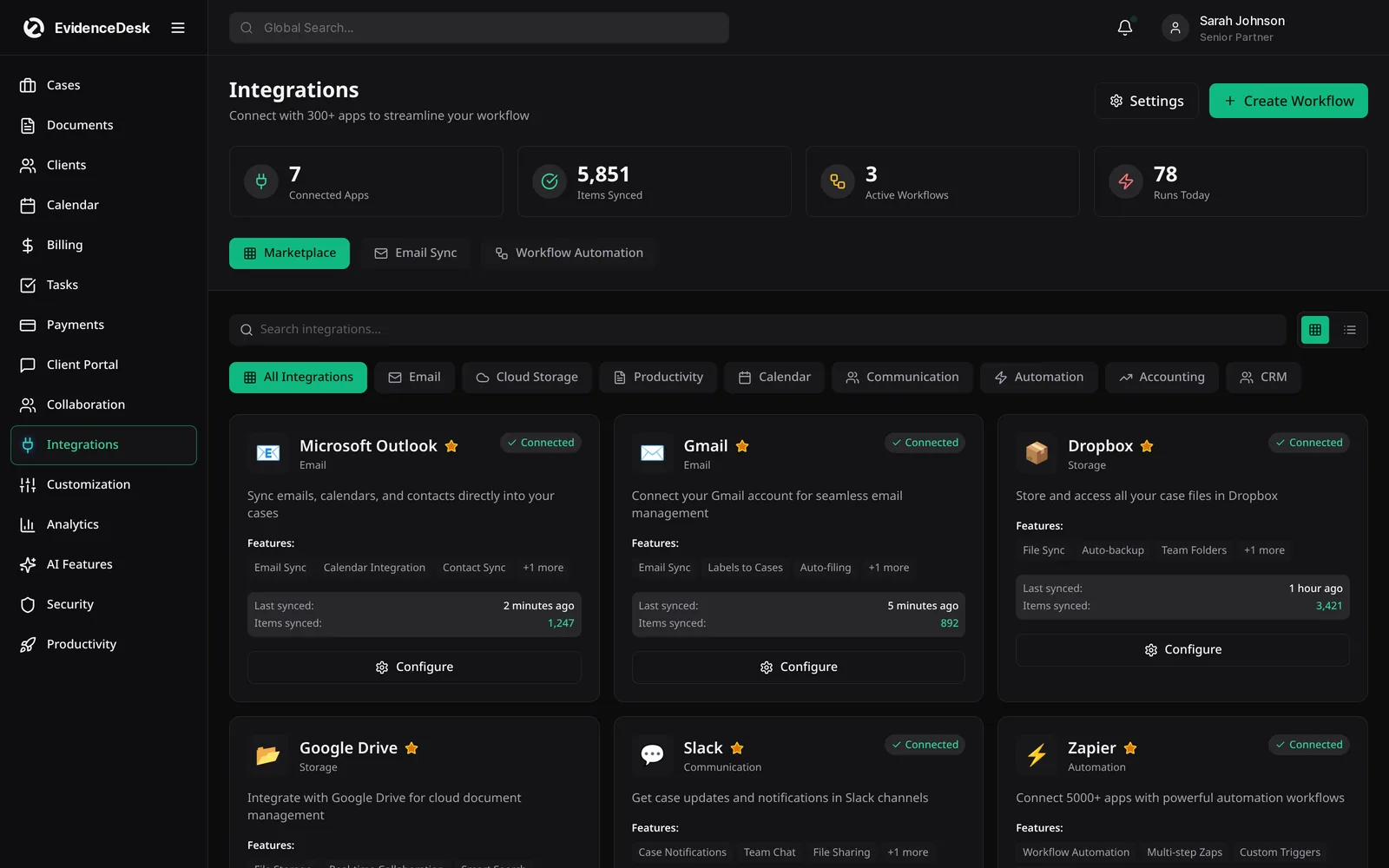
What EvidenceDesk connects to
Google and Outlook calendars
Matter events sync to the calendars attorneys already use, on every plan.
QuickBooks and Xero
Invoices and payments sync to your accounting software on Firm and Litigation Pro.
E-signature
Send documents for signature from the matter; 5 per user per month on Solo and unlimited on Firm and Litigation Pro.
Online payments
Clients pay invoices by card or bank transfer, and payments post back to the matter.
Email reminders and text reminders
Reminders reach clients and staff by email, with text reminders on Firm and Litigation Pro.
API
On Litigation Pro, connect EvidenceDesk to other systems your firm uses.
How integrations work
Connect an account
From settings, such as your Google calendar or QuickBooks company.
Choose what syncs,
For example which calendars or which invoice and payment data.
Work as usual
In EvidenceDesk; updates flow to the connected tool automatically.
Review sync status
From settings and reconnect if an account's access changes.
QuickBooks for law firms
QuickBooks is popular with law firms for general bookkeeping, but it does not track time against matters or keep client trust ledgers on its own. The common setup is to run billing, time tracking and trust accounting in practice management software and send the financial results to QuickBooks. EvidenceDesk's QuickBooks and Xero sync, on Firm and Litigation Pro, keeps invoices and payments aligned with your books so your accountant sees the same numbers as the firm. Keep trust and operating funds in the correct accounts in both systems and confirm the setup with your accountant.
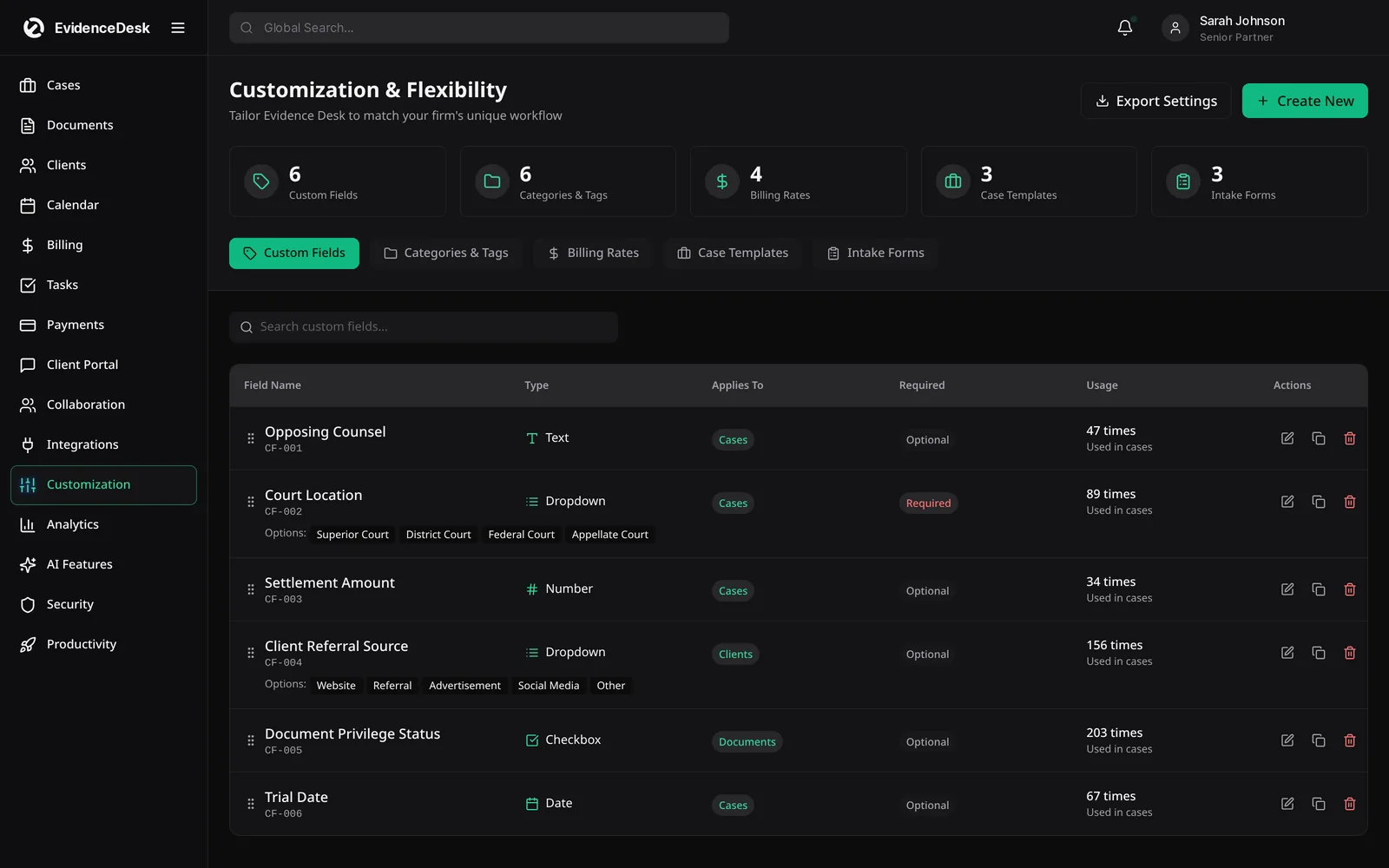
Integrated case management
The most useful integration is the one you do not notice. Because case management, documents, billing, calendar, client portal and payments are built into EvidenceDesk itself, most of a firm's daily work needs no external connection at all. External integrations cover the remaining pieces, accounting and personal calendars, so the firm does not have to maintain a collection of separate tools stitched together.
Planning your integrations
List the tools your firm uses today and what each one is for. For each, decide whether EvidenceDesk replaces it, connects to it or sits alongside it. Firms switching from another system can use free guided data migration on Litigation Pro to bring existing records across.
Integrations by plan
Calendar sync, e-signature and online payments are included on every plan. Firm and Litigation Pro add QuickBooks and Xero sync and text reminders, and Litigation Pro adds API access.
Frequently asked questions
Does EvidenceDesk integrate with QuickBooks?
Yes. QuickBooks and Xero sync are included on the Firm and Litigation Pro plans. See pricing.
Does EvidenceDesk sync with Google Calendar and Outlook?
Yes. Google and Outlook calendar sync is included on every plan.
Is there an API?
Yes. API access is included on the Litigation Pro plan.
Do I need a separate e-signature tool?
No. E-signature is built in, with 5 signatures per user per month on Solo and unlimited signatures on Firm and Litigation Pro.
What is integrated case management software?
Integrated case management software combines case management with documents, billing, calendar and client communication in one system, so data does not need to be copied between tools.
Explore related pages
Billing & Time Tracking
Legal billing software with built-in attorney time tracking, invoicing, expenses and trust (IOLTA) accounting support, connected directly to each matter.
Read moreCalendar & Deadlines
Legal calendaring software for hearings, filings and deadlines, with Google and Outlook sync, reminders and court-rules deadlines on Litigation Pro.
Read moreOnline Payments
Accept online payments for legal invoices by card or bank transfer, offer attorney payment plans and keep trust and operating funds separate.
Read moreTrust Accounting
Legal trust accounting software that keeps client trust and IOLTA funds separate, maintains per-client ledgers and supports three-way reconciliation.
Read moreSmall Law Firms
Case management and billing software for small law firms: shared matters and calendar, permissions, time tracking and trust accounting.
Read moreClio Alternatives
Comparing Clio competitors? See how EvidenceDesk compares with Clio as a legal practice management alternative, and what to evaluate before switching.
Read moreSee how EvidenceDesk brings cases, evidence, billing, clients and calendar together. Your Evidence. Organized. Airtight.
Cloud-based · Works in any browser · Plans from $39/user/mo