A secure law firm client portal your clients will actually use
The EvidenceDesk client portal gives each client a secure, branded place to see case updates, exchange documents and messages, sign documents and pay invoices, so the firm spends less time on status calls and email chains.

- Law firm client portal
- A law firm client portal is a secure website where clients log in to see the status of their matter, share documents, message their legal team and pay invoices, instead of using unencrypted email.
Why law firms need a client portal
Clients want to know what is happening with their matter. When the only channel is email and phone, that curiosity turns into status calls, forwarded attachments and long reply chains that are hard to search later. Sensitive documents end up in personal inboxes, and nobody is sure which version of a file is current.
A client portal moves those conversations into one secure place connected to the matter. Clients can check progress on their own schedule, the firm controls exactly what is shared, and every message and upload is recorded against the case. For firms that handle personal injury, family law or immigration work, where clients send many documents and ask frequent questions, the time saved adds up quickly.
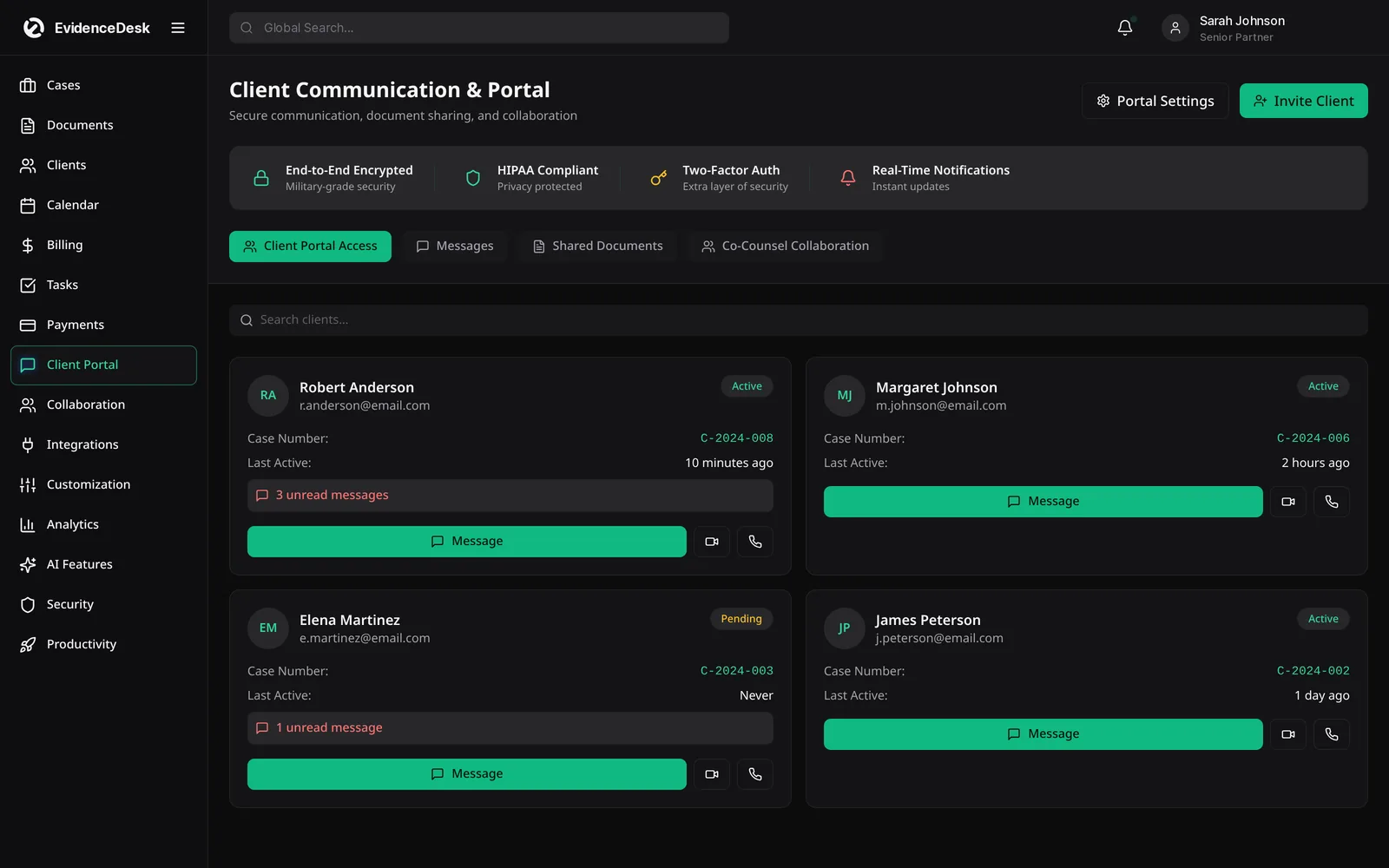
What clients can do in the EvidenceDesk portal
See case updates
Clients view the milestones and updates you choose to publish, so they always know the current stage of their matter.
Share documents securely
Clients upload records, photos and forms directly to the matter instead of emailing attachments.
Message the legal team
Conversations stay attached to the case, searchable and visible to the people working on it.
Sign documents
Engagement letters and authorizations can be sent for e-signature from the matter.
Pay invoices online
Clients view invoices and pay by card or bank transfer in a few clicks.
Find everything later
The portal keeps a single history of what was shared and when.
How the client portal works
Invite the client
From the matter. They receive a secure link and set their own password.
Choose what to share
Documents, updates and invoices are private by default; you publish only what the client should see.
Collaborate in context
Messages, uploads and signatures are recorded on the matter timeline for the whole team.
Get paid faster
Invoices published to the portal include an online payment option, and payments post back to the matter automatically.
Keeping client communication secure and professional
Email was not designed for confidential legal work. Messages can be forwarded, attachments are copied to many devices, and there is no reliable record of who saw what. The EvidenceDesk portal keeps client communication inside the firm's system with access limited to the invited client and the firm users on the matter. Every upload and download is logged in the document history, which supports the confidentiality expectations clients place on their lawyers.
The portal also helps set expectations. When clients can see that a filing was submitted or a hearing was scheduled, they are less likely to call for an update and more likely to trust that the matter is moving. Firms can publish short plain-language updates at each stage so clients understand what happens next.
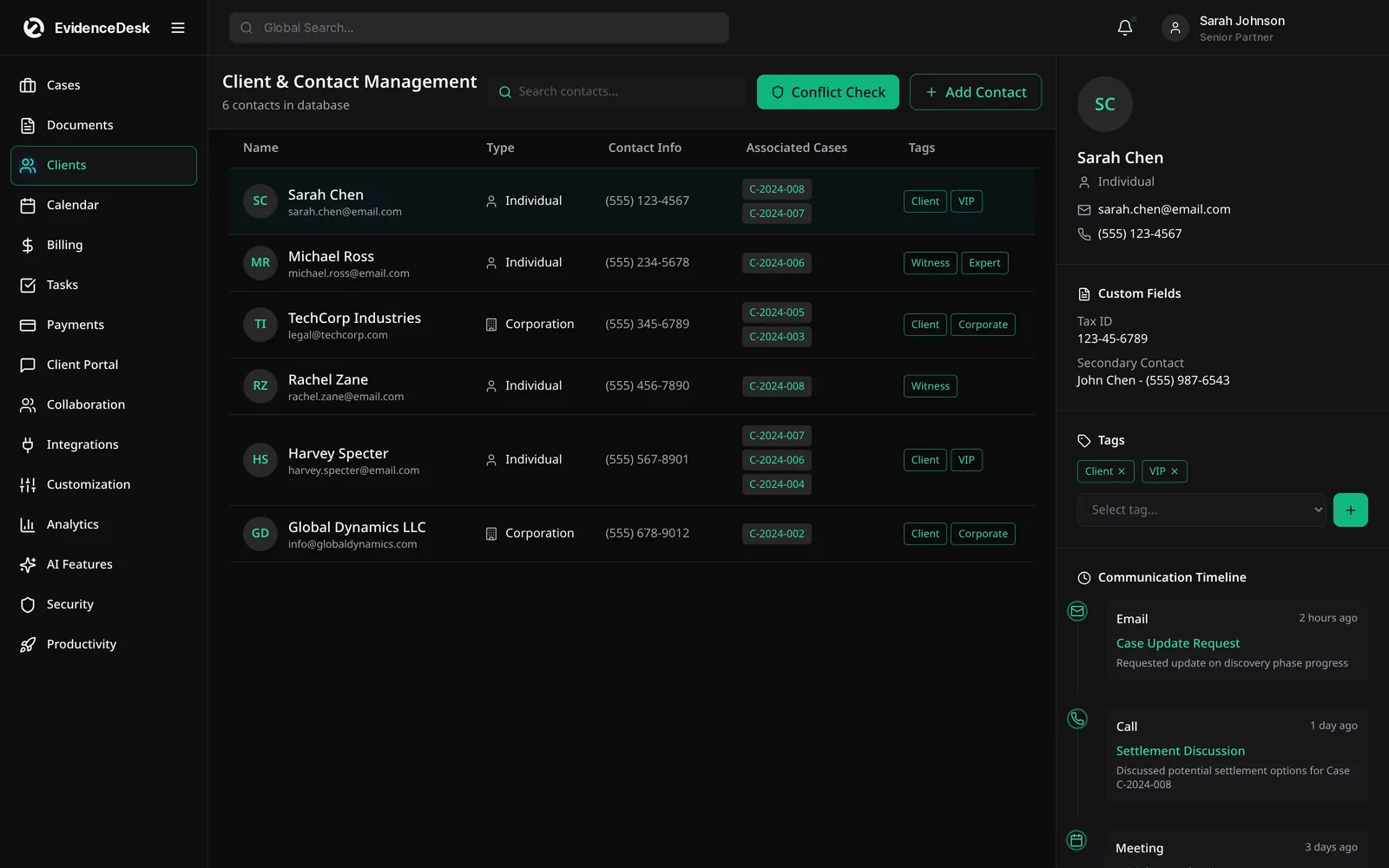
Client portal benefits for the firm
A portal is not only a convenience for clients. It reduces interruptions for attorneys and staff, keeps documents organized in the matter rather than scattered across inboxes, and shortens the time between sending an invoice and receiving payment. Because the portal is included on every EvidenceDesk plan, from Solo upward, even a single attorney can offer the same experience as a larger firm without paying for a separate product.
Frequently asked questions
What is a law firm client portal?
A law firm client portal is a secure online space where clients log in to see matter updates, exchange documents and messages with their legal team and pay invoices, instead of relying on email.
Is the client portal included in every plan?
Yes. The full client portal is included on Solo, Firm and Litigation Pro plans. See pricing.
Can clients pay invoices through the portal?
Yes. Invoices published to the portal can be paid online, and the payment is recorded against the matter. See legal payments.
What are the benefits of using a client portal for case updates?
Clients can check progress any time, which reduces status calls, keeps communication attached to the matter and creates a clear record of what was shared and when.
Can I control what a client sees?
Yes. Items are private to the firm by default. You choose which documents, updates and invoices to publish to each client.
Explore related pages
Case Management
EvidenceDesk is legal case management software that keeps matters, tasks, deadlines, notes and team collaboration in one secure, cloud-based workspace.
Read moreOnline Payments
Accept online payments for legal invoices by card or bank transfer, offer attorney payment plans and keep trust and operating funds separate.
Read moreEvidence & Document Management
Secure legal document management software for law firms. Organize evidence and exhibits by matter, tag and search files, track versions and keep an audit trail.
Read moreCollaboration
Law firm collaboration software for secure teamwork on matters: shared notes, roles and permissions, activity history and internal messaging.
Read morePersonal Injury
Personal injury case management software to track medical records, providers, liens, damages, demands and settlements, with trust support.
Read moreImmigration
Immigration case management software: track petitions, collect client documents securely, calendar filing deadlines and manage flat fees.
Read moreSee how EvidenceDesk brings cases, evidence, billing, clients and calendar together. Your Evidence. Organized. Airtight.
Cloud-based · Works in any browser · Plans from $39/user/mo