Filevine alternative: how EvidenceDesk compares
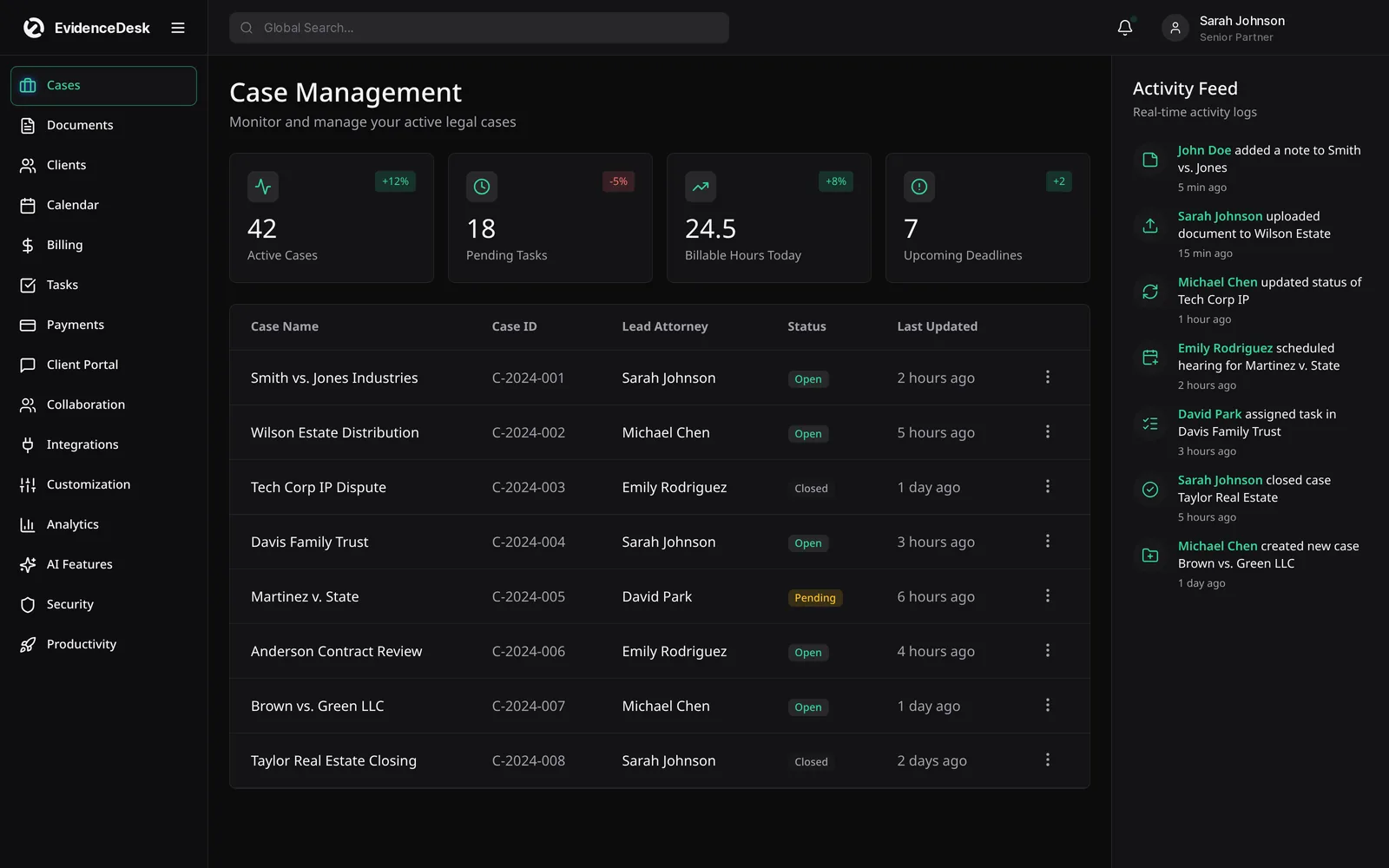
Filevine is legal case management software often associated with personal injury and litigation firms. EvidenceDesk is a Filevine alternative for firms that want evidence-first case management, litigation tracking, billing and trust accounting in one cloud platform.

What is Filevine?
Filevine is cloud-based legal case management software that offers case management, document handling, workflows and related products. It is frequently evaluated by personal injury and litigation firms. For current features and pricing, visit the official Filevine website; we do not quote competitor pricing.
What to compare
| Area | Questions to ask | EvidenceDesk approach |
|---|---|---|
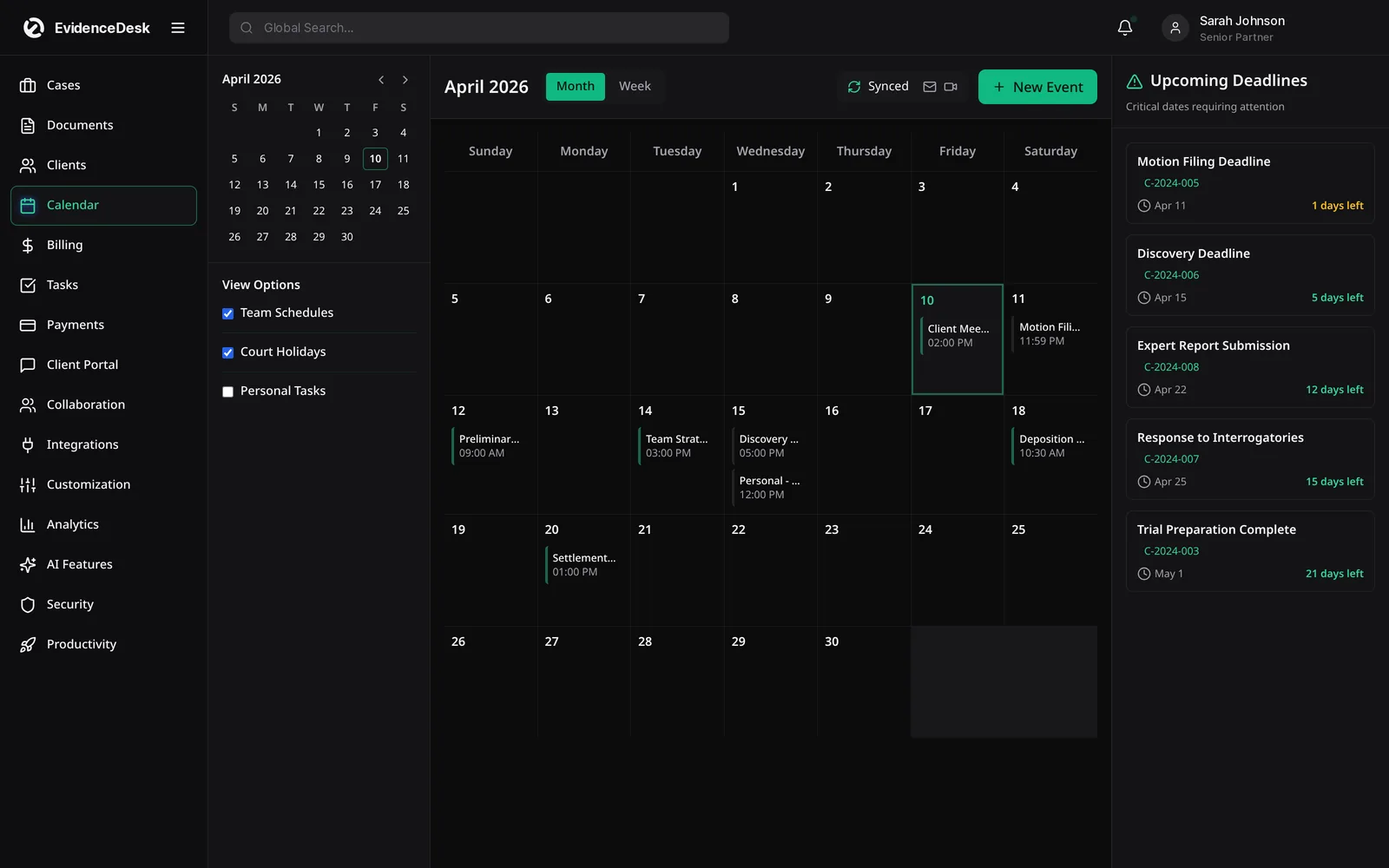
| Litigation workflow | Pleadings, discovery, deadlines per case? | Litigation management included |
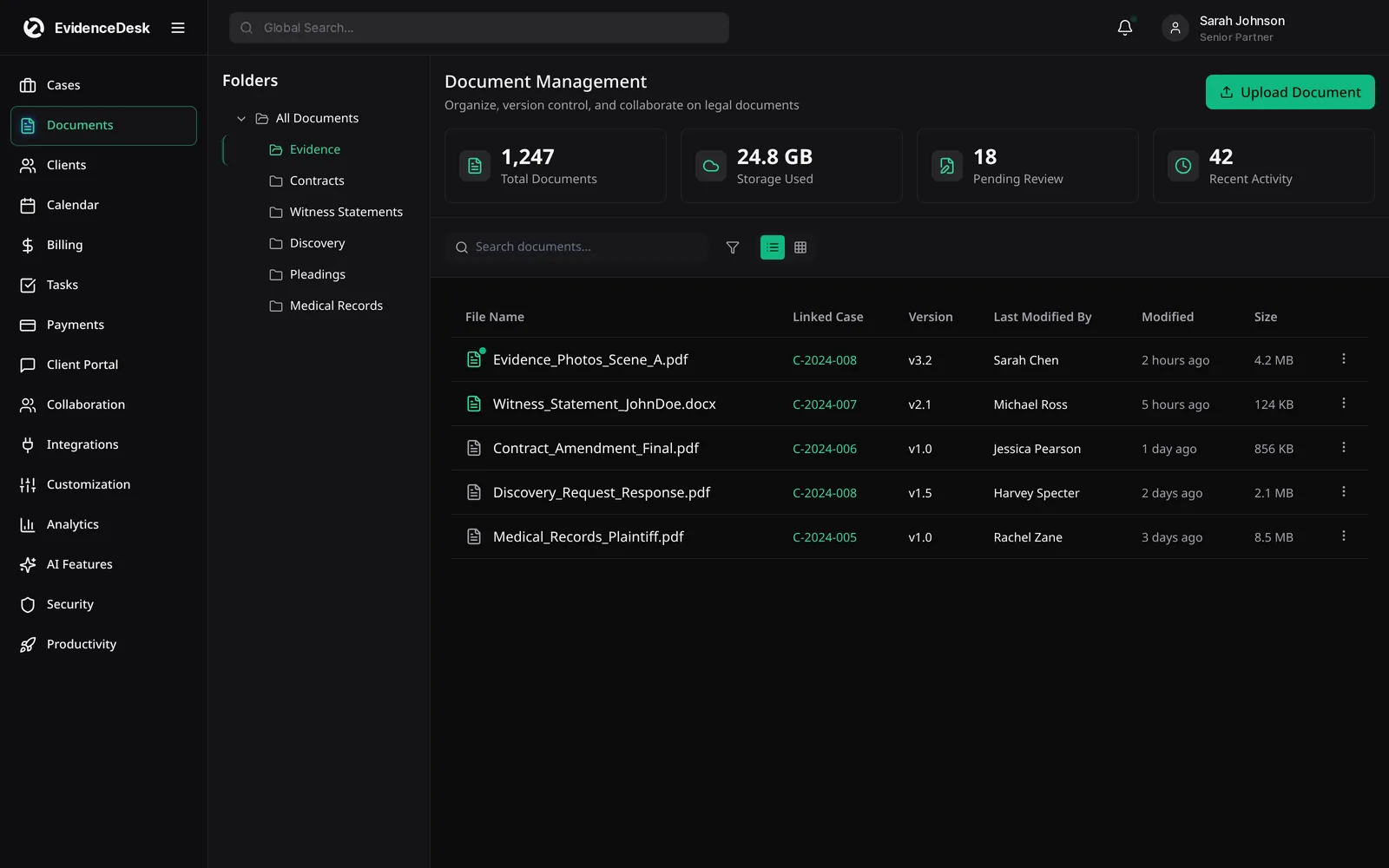
| Evidence | Exhibit tags and access history? | Evidence vault in every matter |
| Personal injury | Treatment, records, liens, settlement? | Personal injury template |
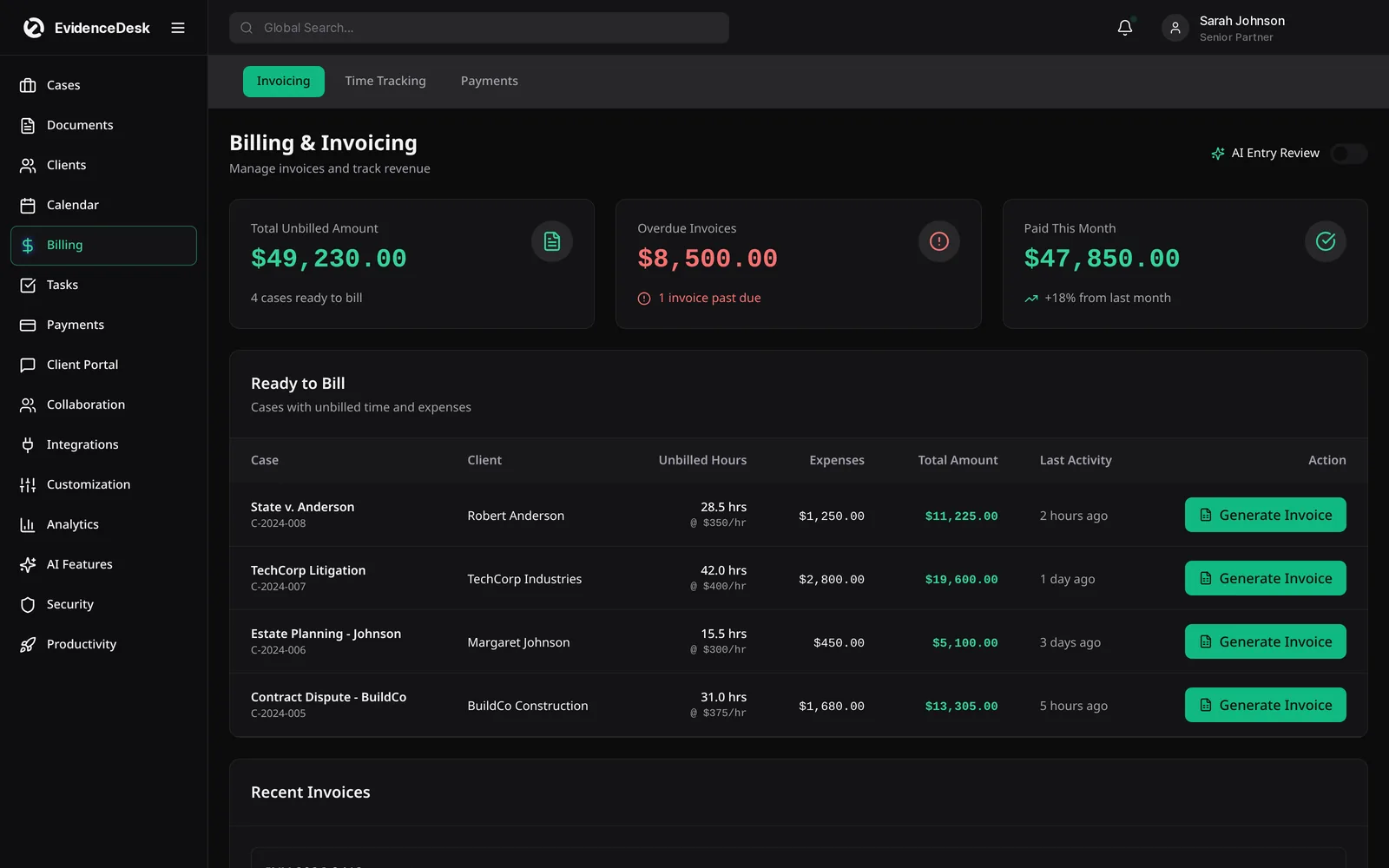
| Billing and trust | Contingency, expenses, disbursements? | Included |
| Setup | How much configuration is required? | Practice-area templates to start quickly |
| Cost | What is included at each tier? | Published per-user plans from $39/user/mo (annual), guided demo |
Filevine pricing and cost questions
Firms often search for Filevine pricing. Because vendor pricing depends on users, modules and contract terms, request a written quote and compare it with the same scope from other vendors, including setup, migration and training.
How to run a fair evaluation
Write down the three problems you most need to solve, such as missed deadlines, slow billing or scattered evidence.
Shortlist two or three platforms, including the one you are considering leaving.
Ask each vendor for a demo using a matter that resembles your real work.
Price each option with the users and add-ons you actually need.
Ask how your data is exported if you leave, and how migration works if you join.
Involve the people who will use it daily, including paralegals and billing staff.
Questions to ask every vendor
Implementation
How long does setup take, and what configuration is needed before the team can work?
Data export
Can you export matters, contacts, documents and billing records in standard formats?
Billing and trust
Are time tracking, invoicing and trust accounting built in or provided through integrations?
Pricing
What does each plan include, and which features are add-ons?
Security
How is data encrypted and is access to documents logged?
Support
What training and support are included?
Matching the tool to the firm
Larger litigation practices with dedicated operations staff may value deep configurability. Smaller firms often prefer a system that works with minimal setup. Decide which describes your firm before you compare features, and weigh setup time and training as part of the total cost.
About this comparison
This page is written by EvidenceDesk. We describe other products in general terms only and do not quote their pricing, ratings or reviews, because those change frequently. Check each vendor's official website for current features and pricing. Product names are trademarks of their respective owners; EvidenceDesk is not affiliated with them.
Before signing with any vendor, ask for a written migration plan that names who moves the data, how long it takes, what it costs and how documents keep their matter links. Confirm how you can export everything again if you ever leave.
Frequently asked questions
What is a good Filevine alternative?
Firms comparing Filevine often evaluate Clio, MyCase, Smokeball and EvidenceDesk. EvidenceDesk combines case management, evidence handling, litigation tracking, billing and trust accounting.
How much does Filevine cost?
Filevine pricing is set by the vendor and can depend on users and modules. Contact Filevine for a current quote.
Is EvidenceDesk good for personal injury firms?
EvidenceDesk includes a personal injury template for treatment, records, liens, damages and settlement, plus evidence management and trust disbursements.
Can I move my data from Filevine to EvidenceDesk?
Yes. Tell us what you use and the team will plan the migration of matters, contacts and documents with you.
Does EvidenceDesk include trust accounting?
Yes. Trust ledgers are linked to each matter and connected to billing, so trust funds can be applied to invoices with a recorded transfer.
Explore related pages
Litigation Management
A litigation management system for law firms: track cases, pleadings, discovery, exhibits, depositions and court deadlines in one secure, cloud-based workspace.
Read morePersonal Injury
Personal injury case management software to track medical records, providers, liens, damages, demands and settlements, with trust support.
Read moreEvidence & Document Management
Secure legal document management software for law firms. Organize evidence and exhibits by matter, tag and search files, track versions and keep an audit trail.
Read moreSmokeball Alternative
Considering a Smokeball alternative? Compare EvidenceDesk with Smokeball on case management, documents, time tracking, billing and evidence handling.
Read morePricing
EvidenceDesk pricing: Solo $39, Firm $69 and Litigation Pro $99 per user/month billed annually. Volume pricing for firms with 5+ users.
Read moreContact
Contact EvidenceDesk to book a demo, ask about pricing or plan a migration. Email hello@evidencedesk.io or call +1 (907) 474-0001.
Read moreSee how EvidenceDesk brings cases, evidence, billing, clients and calendar together. Your Evidence. Organized. Airtight.
Cloud-based · Works in any browser · Plans from $39/user/mo

Clio, MyCase, PracticePanther, Filevine and Smokeball are trademarks of their respective owners. EvidenceDesk is not affiliated with them.