Personal injury case management software
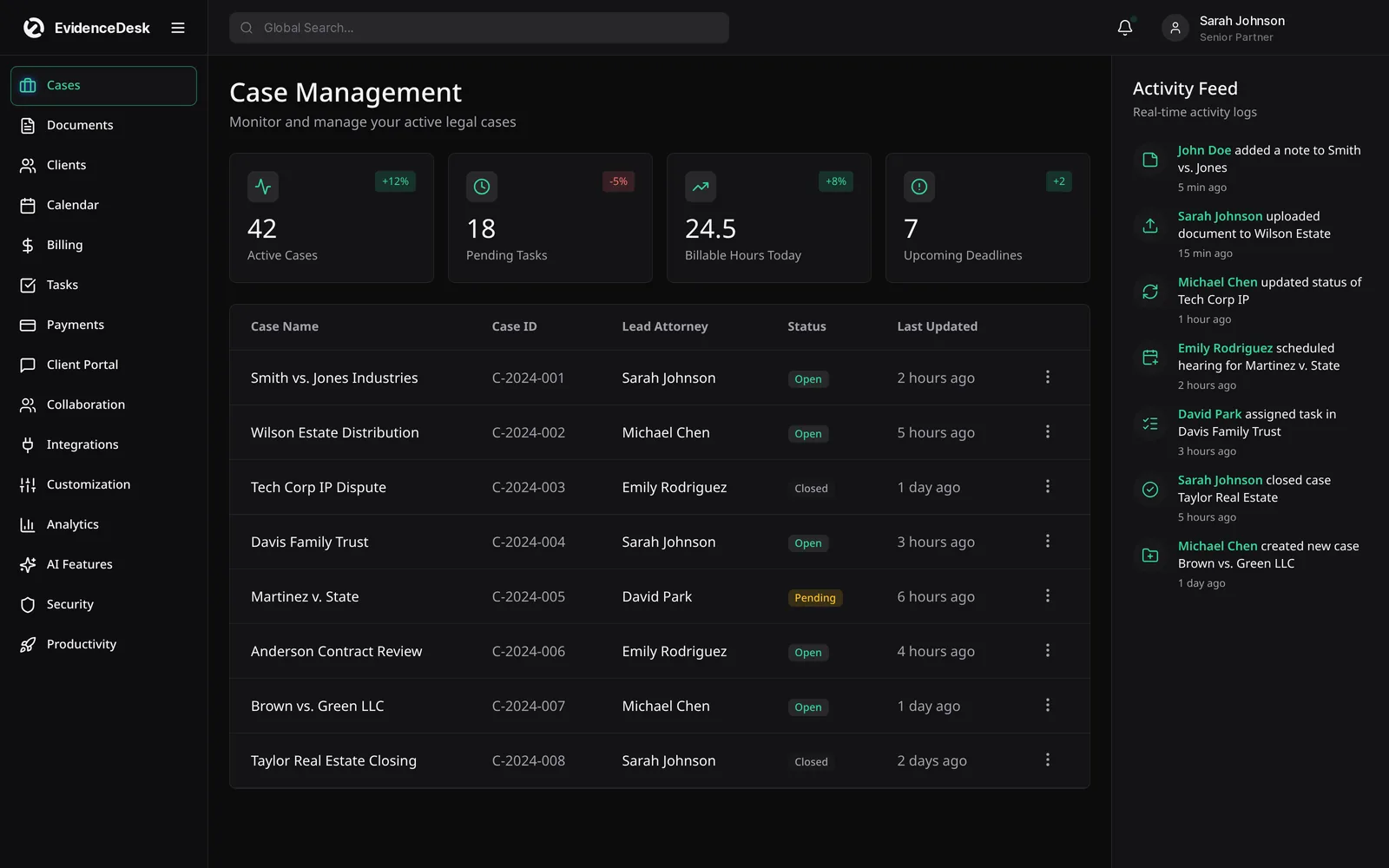
EvidenceDesk personal injury case management software organizes each claim from intake to settlement: incident details, medical treatment and records, providers, liens, damages, demand letters, negotiations and settlement disbursement, with evidence and deadlines attached to the matter.

What personal injury firms need to track
A personal injury file grows quickly. The firm records the incident, insurance information for every party, the client's treatment with each provider, medical records and bills requested and received, liens, lost wages, photos and video, witness statements and correspondence with adjusters. Each claim also carries a limitation period that must not be missed. Generic case management tools hold this information in notes and attachments, which makes it hard to see where a claim stands.
How EvidenceDesk supports personal injury practices
Personal injury template
Fields for incident date and location, insurers, policy and claim numbers.
Medical treatment tracking
Providers, treatment dates, records and bills requested and received.
Liens and damages
Record liens and damages items to prepare a demand.
Evidence vault
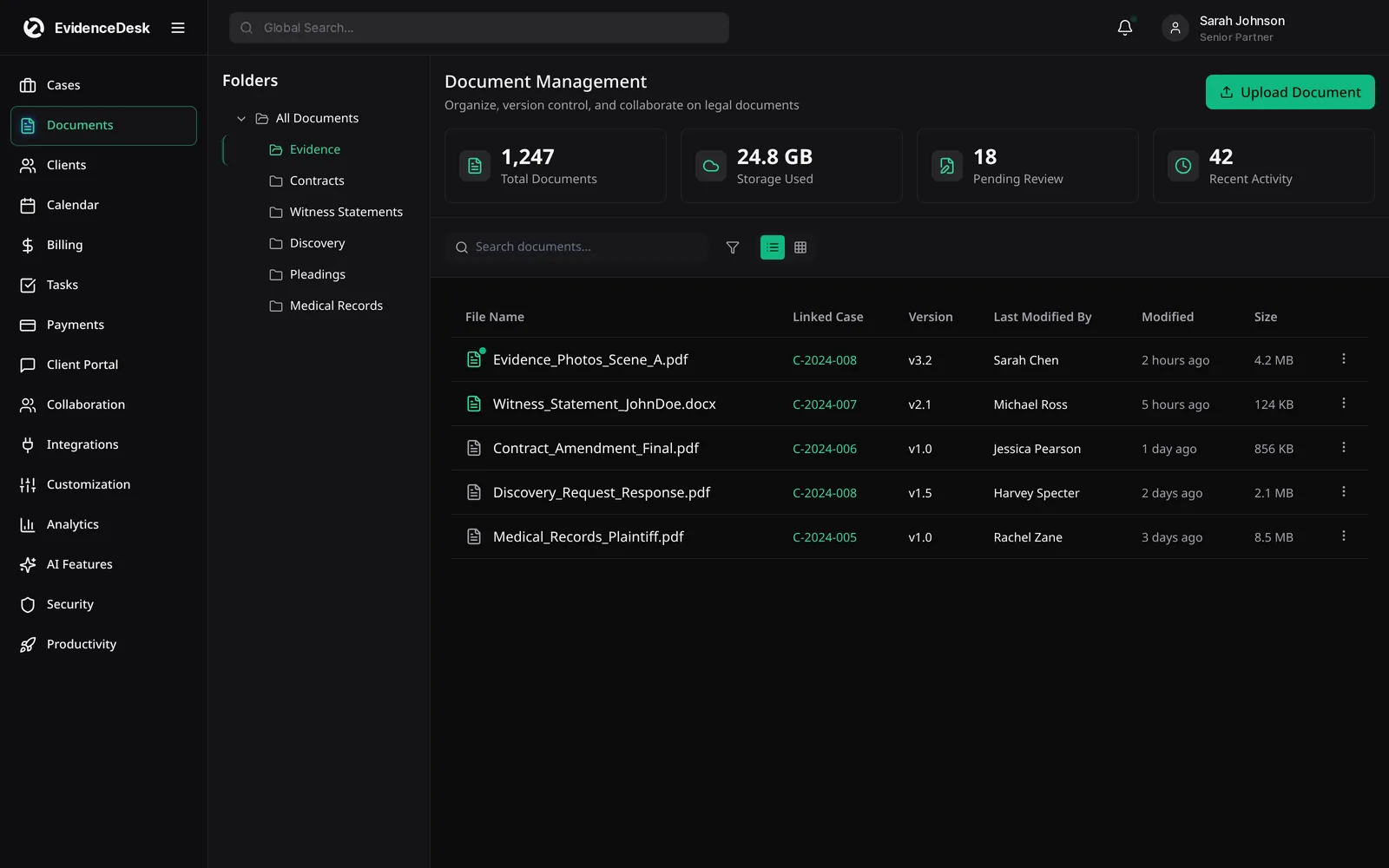
Dashcam footage, photos, records and statements tagged by issue, with access history. See evidence management.
Stage tracking
Intake, treatment, demand, negotiation, litigation, settlement.
Deadline reminders
Calendar limitation periods and court dates against the matter.
Contingency billing
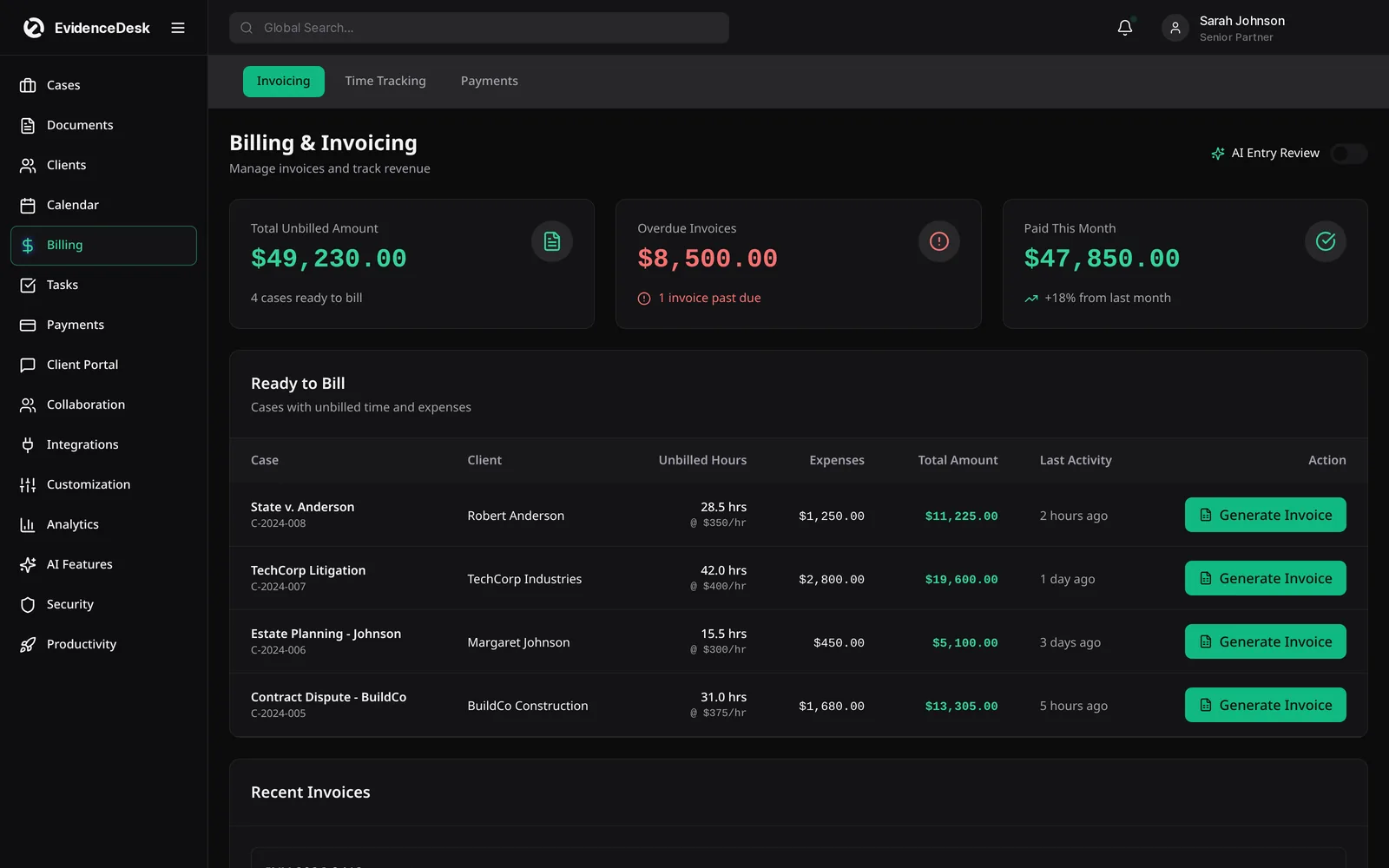
Track case expenses and prepare settlement statements; disburse from trust with a ledger record.
A personal injury workflow in EvidenceDesk
Intake form captures the incident, injuries and insurance details; conflict check runs on parties.
The matter opens with a PI checklist; the limitation date is calendared.
Staff request records from each provider and track their status.
Evidence is uploaded and tagged; the client shares documents through the portal.
The team prepares the demand with damages and liens summarized from the file.
Negotiation notes and offers are logged on the matter.
At settlement, funds are deposited to trust and disbursed to the client, providers and lienholders, with each transfer recorded on the trust ledger.
CRM for personal injury law firms
Personal injury firms often receive many inquiries. The EvidenceDesk legal CRM records each lead's source and status and schedules follow-ups, so promising cases are not lost between the first call and a signed engagement.
Questions to ask any personal injury software vendor
Can it track treatment, records requests and liens per provider?
Does it support contingency fees and settlement disbursements from trust?
Can staff find any exhibit quickly and see who accessed it?
Does it remind the team before limitation dates?
Settlement and case cost tracking
Personal injury firms usually advance case costs, from medical record fees and filing fees to expert witnesses. Record each expense on the matter as it happens so the settlement statement is accurate. When funds arrive, deposit them in trust, prepare the distribution and record each disbursement on the client's ledger.
Keeping clients informed
Injury clients often call to ask what is happening with their case. Shared updates through the client portal, such as a note that records were requested or a demand was sent, reduce those calls and build trust. Every message is stored on the matter, so anyone on the team can answer a question quickly.
Frequently asked questions
What is personal injury case management software?
Personal injury case management software organizes injury claims, including incident details, medical treatment, records, liens, damages, evidence, deadlines and settlement, in one record per client.
Does EvidenceDesk support contingency fee cases?
Yes. Firms can track case expenses on contingency matters and record settlement disbursements from trust.
Can clients upload documents for their injury claim?
Yes. Clients can securely send photos, bills and records through the client portal.
Can EvidenceDesk organize medical records and evidence?
Yes. Medical records, photos and other evidence are stored on the matter with tags and version history.
How much does EvidenceDesk cost?
Solo is $39, Firm $69 and Litigation Pro $99 per user per month billed annually ($49, $85 and $119 billed monthly).
Explore related pages
Case Management
EvidenceDesk is legal case management software that keeps matters, tasks, deadlines, notes and team collaboration in one secure, cloud-based workspace.
Read moreEvidence & Document Management
Secure legal document management software for law firms. Organize evidence and exhibits by matter, tag and search files, track versions and keep an audit trail.
Read moreTrust Accounting
Legal trust accounting software that keeps client trust and IOLTA funds separate, maintains per-client ledgers and supports three-way reconciliation.
Read moreCourt Deadline Calculator
Free legal date calculator: count calendar or business days from a trigger date to estimate a court deadline, with weekend roll. Not legal advice.
Read moreFilevine Alternative
Comparing Filevine? See how EvidenceDesk compares as a Filevine alternative for case management, evidence, litigation and personal injury workflows.
Read moreSmall Law Firms
Case management and billing software for small law firms: shared matters and calendar, permissions, time tracking and trust accounting.
Read moreSee how EvidenceDesk brings cases, evidence, billing, clients and calendar together. Your Evidence. Organized. Airtight.
Cloud-based · Works in any browser · Plans from $39/user/mo