Legal reporting and law firm analytics that show how the practice is really doing
EvidenceDesk reporting shows billable hours, invoices, collections, open matters and deadlines in standard reports on every plan, and adds advanced and profitability reporting on Litigation Pro so firms can see which work and clients are most profitable.

- Law firm analytics
- Law firm analytics is the use of a firm's own data, such as time entries, invoices, payments and matters, to measure performance and make better decisions about staffing, pricing and growth.
Why law firms need reporting
Many firms only find out how a month went when the bank statement arrives. By then it is too late to chase unbilled time or follow up on overdue invoices. Reporting turns the data the firm already records, time, invoices, payments and matters, into a clear picture of what is happening now.
Good reports answer simple questions quickly. How many hours did we bill this month? How much is unpaid and how old is it? Which matters have unbilled time? Which practice areas bring in the most revenue for the hours spent? Without reporting, those questions take hours in a spreadsheet; with it, they take seconds.
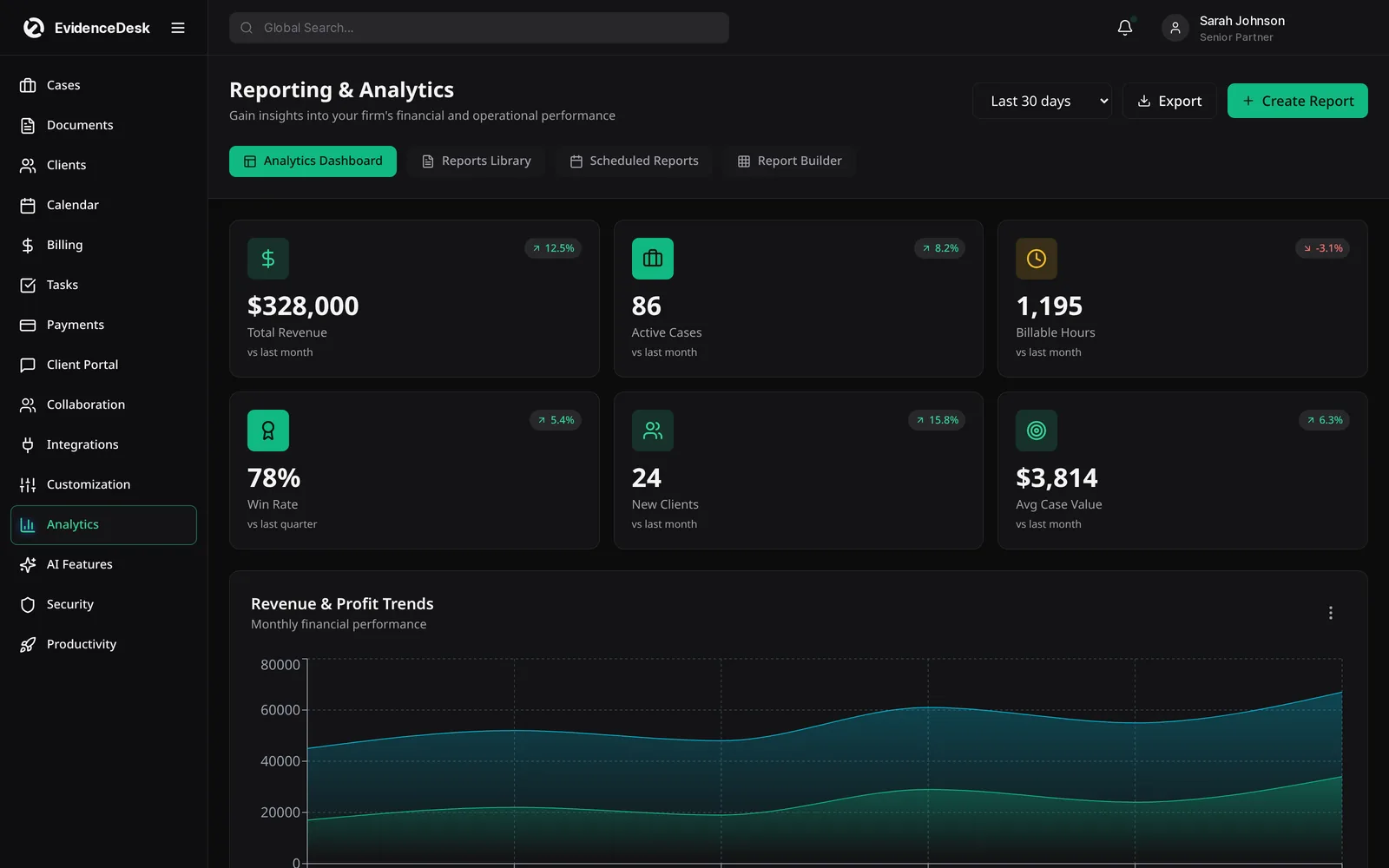
Reports included in EvidenceDesk
Billable hours
Hours recorded and billed by attorney, matter and period.
Invoices and collections
What was invoiced, what was paid and what is outstanding.
Aging
Unpaid invoices grouped by how long they have been overdue.
Matter activity
Open, new and closed matters and their current stage.
Deadlines
Upcoming events and overdue tasks across the firm.
Profitability
On Litigation Pro, revenue against time invested by matter, client and practice area.
How reporting works
Record work as you go
Time entries, invoices and payments are captured in the normal course of work.
Open a report
And choose the period, attorney, client or practice area.
Drill into the detail
Behind any number to see the underlying entries.
Act on what you find,
Such as invoicing unbilled time or following up an overdue balance.
The numbers worth tracking
Start with a short list. Utilization shows how many of the available hours were billable. Realization shows how much of the billable time was actually invoiced, and collection shows how much of the invoiced amount was paid. Together they reveal where money is lost: time that was never recorded, time that was written off, or invoices that were never paid. Our free billable hours chart helps attorneys record time consistently, which makes every report more accurate.
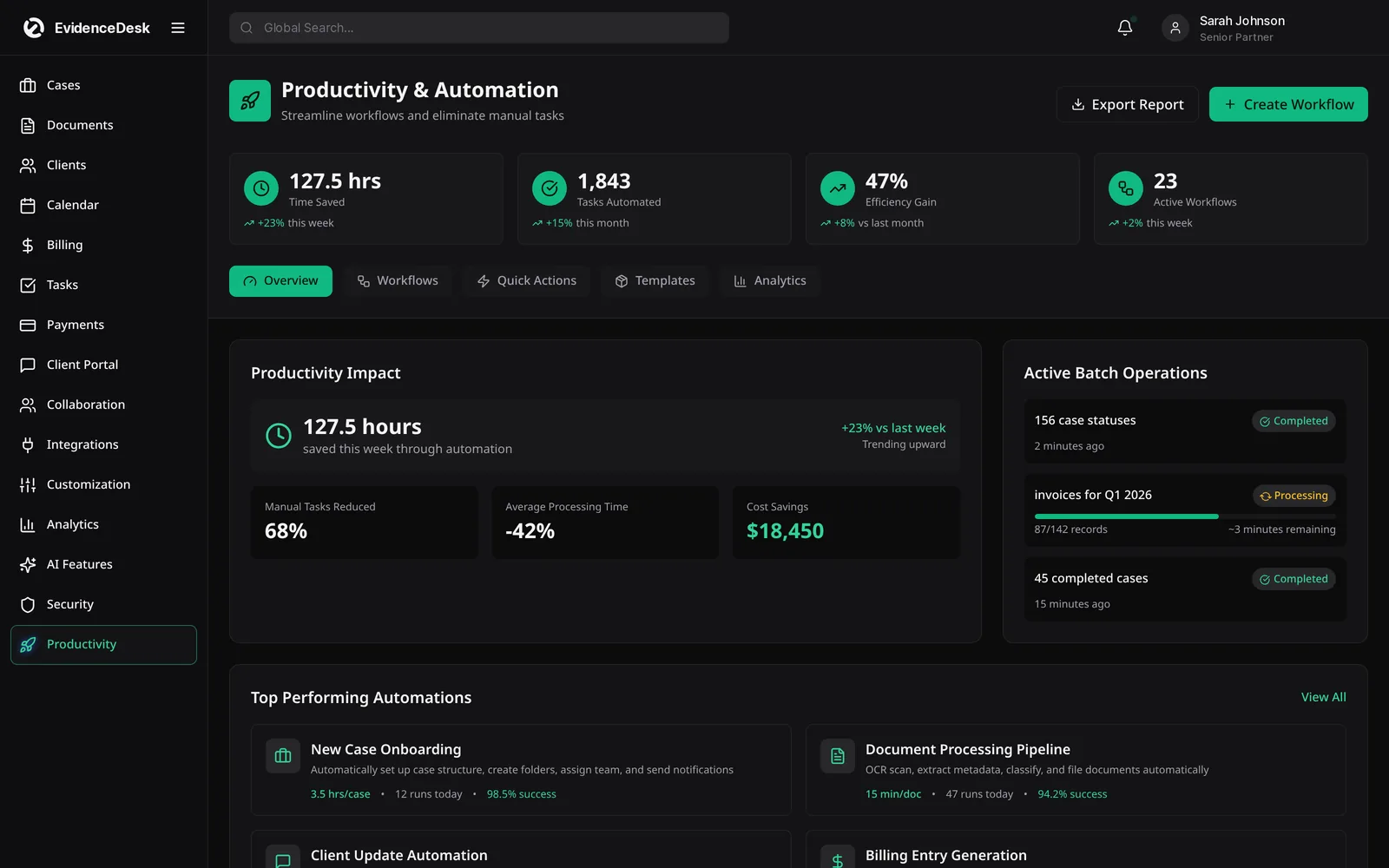
Advanced and profitability reporting
As a firm grows, it needs to know not just how much it billed, but how much it earned for the effort. On the Litigation Pro plan, advanced and profitability reporting compares revenue with the time invested, so partners can see which matter types, fee arrangements and clients are worth growing, and which ones need a pricing change. Standard reports are included on every plan.
Using data to grow the firm
Reporting is most useful when it becomes a habit. Review billable hours weekly, collections and aging monthly, and profitability each quarter. Small changes, such as invoicing on a fixed day each month or following up overdue invoices at 30 days, show up in the numbers quickly.
Reports for partners, managers and solo attorneys
Different people need different views. Partners want firm-wide revenue and profitability. Office managers want aging and collections. Individual attorneys want their own hours and open tasks. A solo attorney needs all of these in one short weekly review.
Frequently asked questions
What is legal reporting software?
Legal reporting software turns a firm's time, billing, payment and matter data into reports on hours, revenue, collections and workload.
Which reports are included on every plan?
Standard reports for hours, invoices, collections, matters and deadlines are included on every plan. Advanced and profitability reporting is included on Litigation Pro. See pricing.
What is law firm data analytics?
Law firm data analytics uses the firm's own data to measure performance, such as utilization, realization and profitability, and to guide decisions about pricing and staffing.
Can I see unpaid invoices by age?
Yes. Aging reports group unpaid invoices by how long they have been outstanding.
Do I need to enter data separately for reports?
No. Reports use the time entries, invoices and payments the firm already records in EvidenceDesk.
Explore related pages
Billing & Time Tracking
Legal billing software with built-in attorney time tracking, invoicing, expenses and trust (IOLTA) accounting support, connected directly to each matter.
Read moreOnline Payments
Accept online payments for legal invoices by card or bank transfer, offer attorney payment plans and keep trust and operating funds separate.
Read moreCase Management
EvidenceDesk is legal case management software that keeps matters, tasks, deadlines, notes and team collaboration in one secure, cloud-based workspace.
Read moreHow to Manage a Small Law Firm
How to manage a small law firm: a practical guide to intake, cases, documents, deadlines, time, billing, trust accounting and firm metrics.
Read moreBillable Hours Chart
Free billable hours chart and calculator for attorneys. Convert minutes to tenths or quarter hours and calculate the amount at your rate.
Read moreSmall Law Firms
Case management and billing software for small law firms: shared matters and calendar, permissions, time tracking and trust accounting.
Read moreSee how EvidenceDesk brings cases, evidence, billing, clients and calendar together. Your Evidence. Organized. Airtight.
Cloud-based · Works in any browser · Plans from $39/user/mo